10 reasons why outages occur

  1. Most often outages happen because of config changes in dependencies used by your application. To give an example, lets say you are running hadoop jobs on a cluster and relying on HADOOP_USER_NAME to set the privileges under which your job runs. This has been working for quite some time. But now the cluster admin enables kerberos on the cluster and your job suddenly fails and you have an outage.

When Kerberos is disabled, the identity of a user is picked up by Hadoop first from the environment variable HADOOP_USER_NAME, then from the OS-level username (e.g. the system property user.name).

2. Second most common cause of outage is outage in a dependency. Say you are relying on AWS S3 to fetch some static content. And this happened.

3. A third common reason is expired credentials. Your service has been working fine for months. But now all of a sudden some credentials expire and you get a pager alarm.


Posted in Software | Leave a comment

Making GQL queries in new appengine dashboard

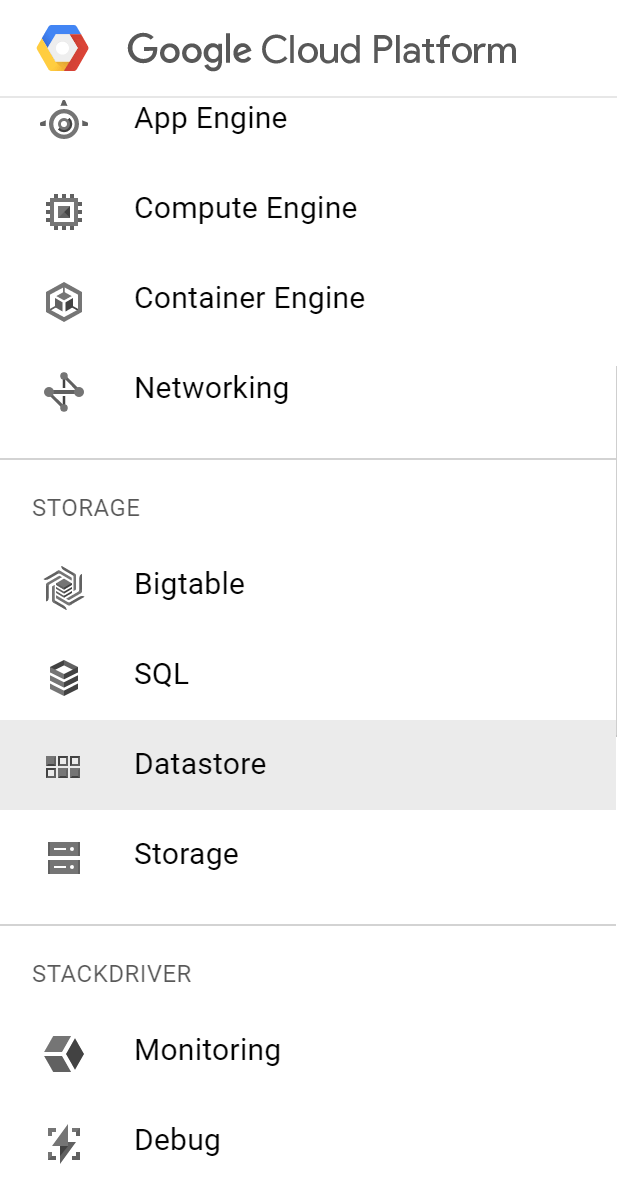
select the icon at the left

fig1

then select datastore from the dropdown

fig2

you should now be able to run GQL queries like before

Posted in Software | Leave a comment

Steps to setup NES on Rasberry Pi

I have this model of Rasberry Pi

Raspberry Pi 2 Model B (1GB) Basic Starter Kit Includes Raspberry Pi 2 Model B–

To setup NES you need 7-zip and Win32DiskImager

  1. Download Retropie v4.1
  2. Extract using 7-zip. This step should dump out a 2GB file or so
  3. Insert SD card and open Win32DiskImager
  4. Write the file in step 2 to the SD Card. If you get I/O Error 1117, check if the SD Card is write protected.
  5. Insert SD card into rasberry pi, plug in ethernet cable, and boot up. If you are using version 4.2 of retropie, you will not see any emulators. Don’t worry follow step 6.
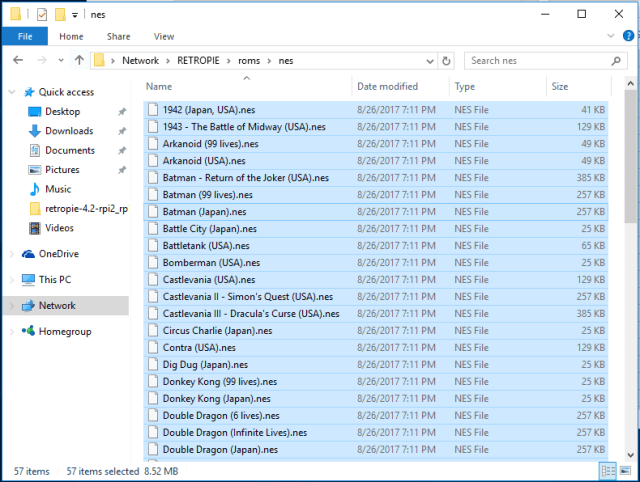
  6. Transfer ROMS to NES folder over Ethernet. Open windows explorer, go to network. and copy roms to \\retropie\roms\nes
    Capture
  7. Restart emulation station to see the games

That’s It! No need to format the SD card etc. in case of problems. Just overwrite the image using step 4.

Posted in Computers | Leave a comment

Failed to load class org.slf4j.impl.StaticLoggerBinder

Ran into this issue today while trying to run a program from IntelliJ and using SLF4J for logging. pom.xml looked like below:

<pre><dependency>
    <groupId>org.slf4j</groupId>
    <artifactId>slf4j-api</artifactId>
    <version>1.7.21</version>
</dependency>
<dependency>
    <groupId>org.slf4j</groupId>
    <artifactId>slf4j-simple</artifactId>
    <version>1.6.1</version>
</dependency>

</pre>

I was not creating any fat jar. The problem was that IntelliJ was not able to import the

slf4j-simple dependency. To check this goto View -> Tool Windows -> Maven Projects.
Saw red swiggly lines as described in http://stackoverflow.com/a/24892769/147530. Could not find artifact descriptor.
Solution:
Downloaded the file manually from https://mvnrepository.com/artifact/org.slf4j/slf4j-simple/1.6.1 and installed it manually by running:

mvn install:install-file -Dfile=/Users/siddjain/Downloads/slf4j-simple-1.6.1.jar -DgroupId=org.slf4j -DartifactId=slf4j-simple -Dversion=1.6.1 -Dpackaging=jar

Now did a reimport in IntelliJ and the error went away

Posted in Software | Leave a comment

IntelliJ IDEA: Cannot resolve symbol

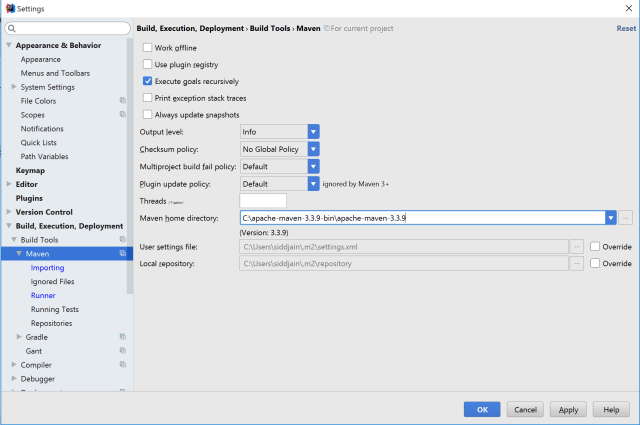
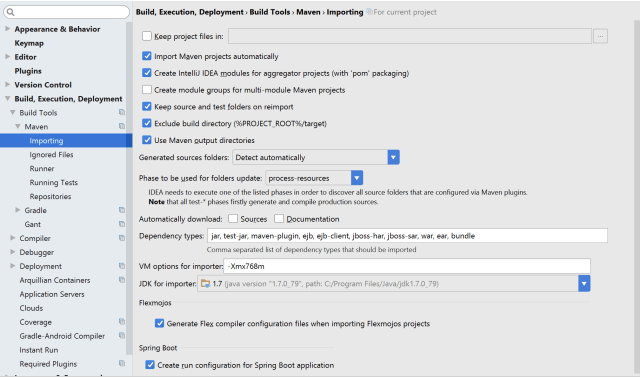
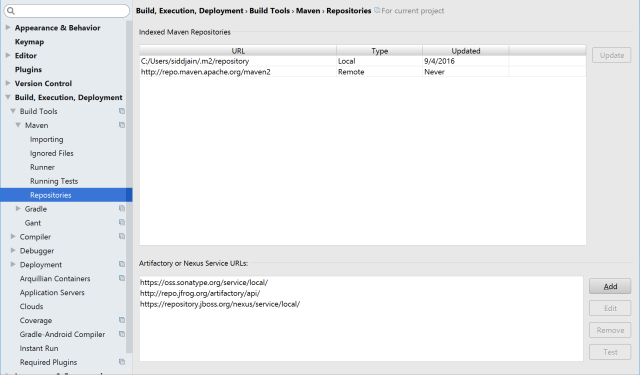
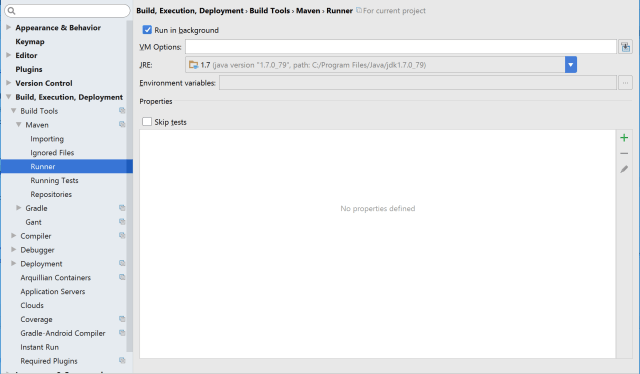
Step 1. Check that your Settings (accessed from File -> Settings) match following screenshots or equivalent:

maven1

maven2

maven3

maven4

Step 2: Close IntelliJ

Step 3: Delete all .idea directory and .iml files in your repo:

rm $(find . -name *.iml)

rm -r $(find . -name .idea)

will delete all files recursively on mac. On windows use the simpler

dir *.iml /s

dir .idea /s

Step 4: Delete IDEA system directory. On Windows the IDEA system directory is C:\Users\username\.IntelliJIdea2016.2\system

On Mac do:

rm -r ~/Library/Logs/IntelliJIdea15/*

rm -r ~/Library/Caches/IntelliJIdea15/*

Resources:

http://stackoverflow.com/a/5905931/147530:

First of all you should try File | Invalidate Caches and if it doesn’t help, delete IDEA system directory. Then re-import the Maven project and see if it helps.


Posted in Software | Leave a comment

Scenic Places

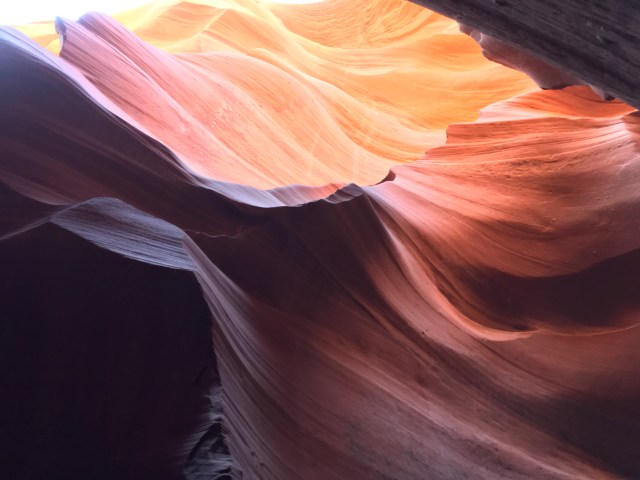
Lower Antelope Canyon

IMG_3453

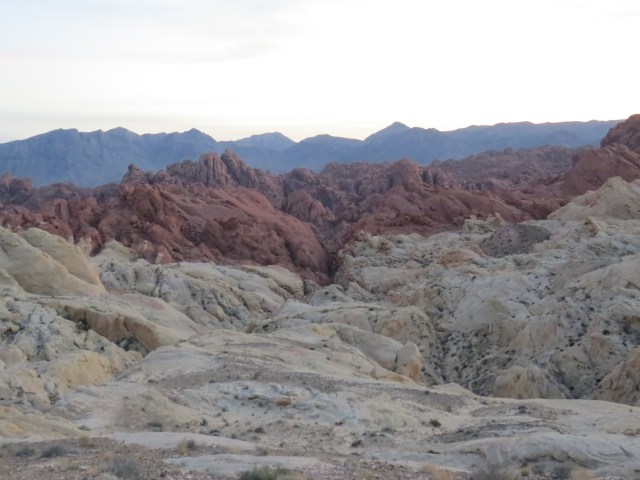
Valley Of Fire State Park

valley_of_fire

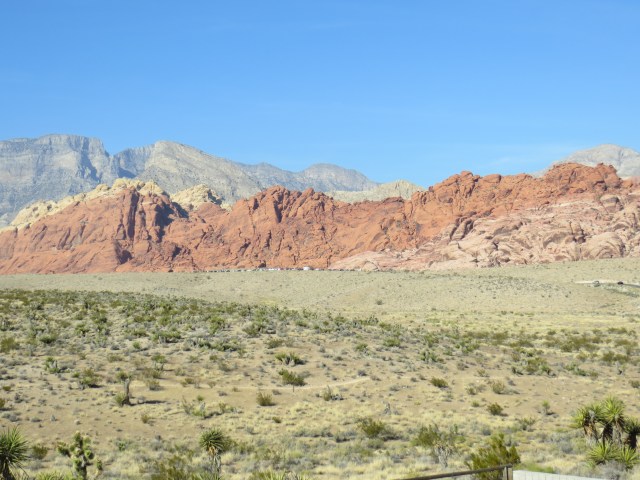
Red Rock Canyon

red_rock_canyon

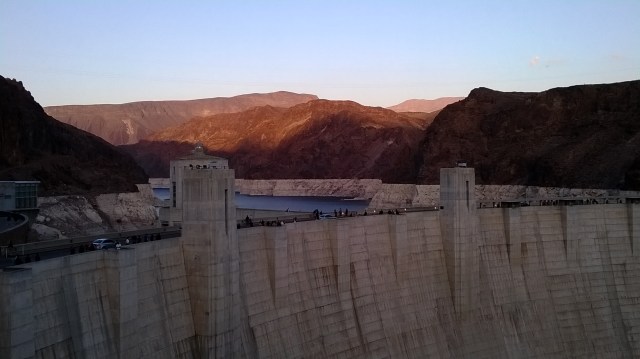
Hoover Dam

hoover_dam

Butchart Gardens

butchart_gardens

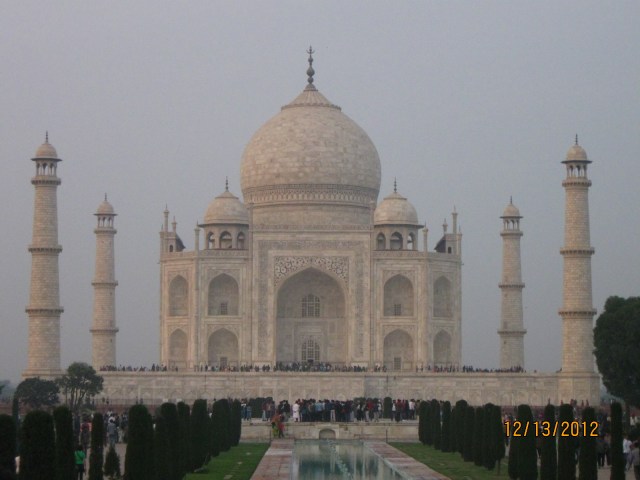
Taj Mahal

IMG_4297

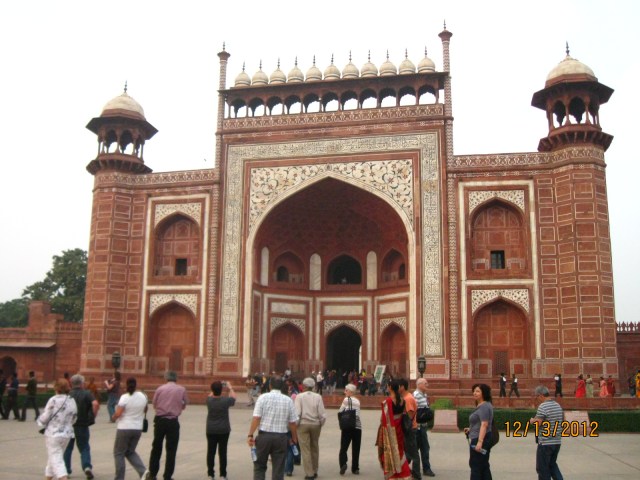
Taj Mahal Entrance

IMG_4287

Posted in Travel | Leave a comment

National Parks

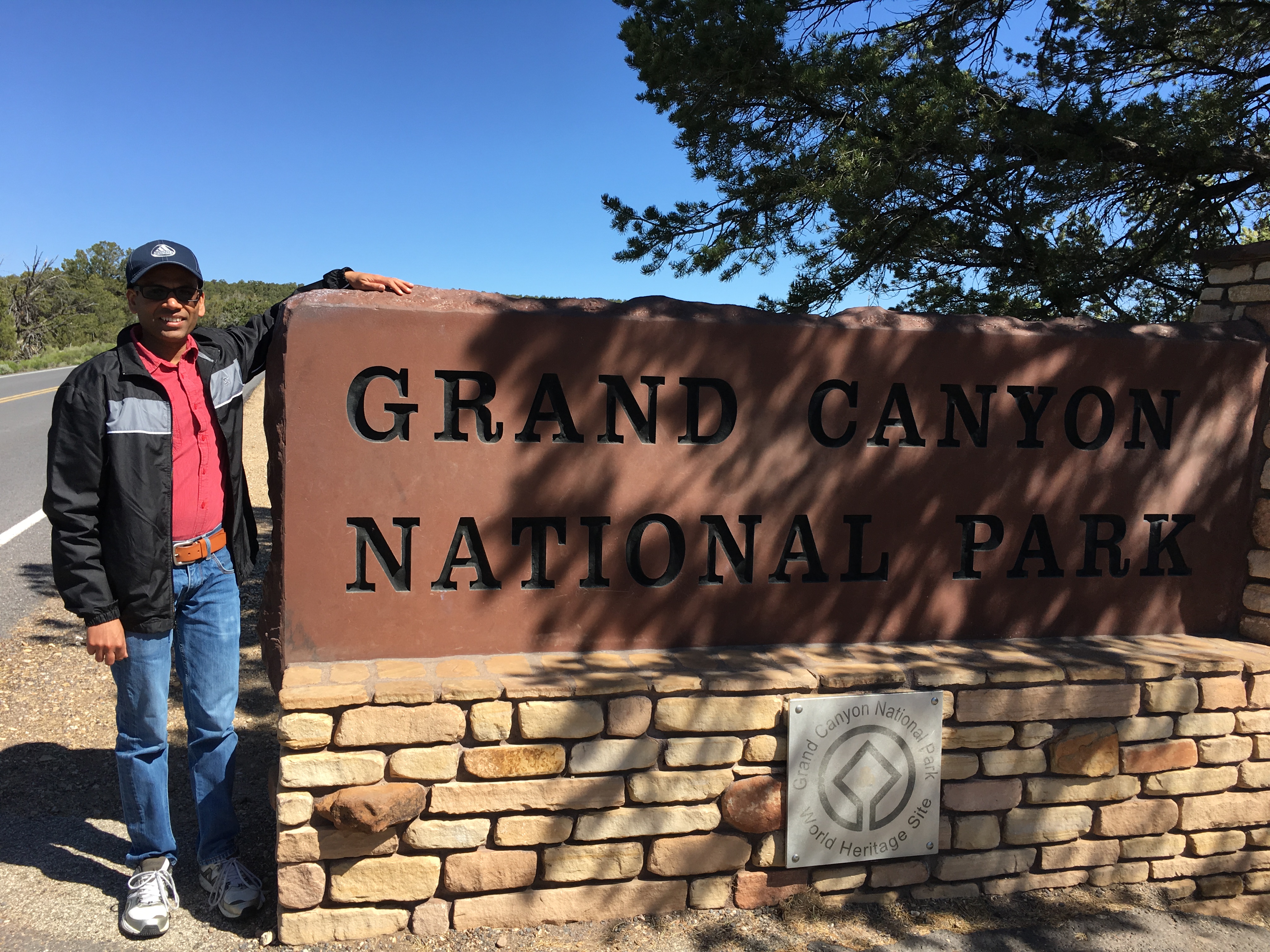
Grand Canyon

IMG_3370

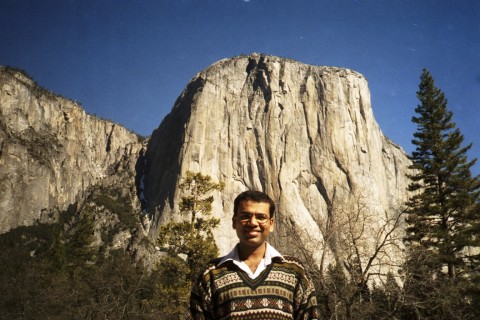
Yosemite

yosemite

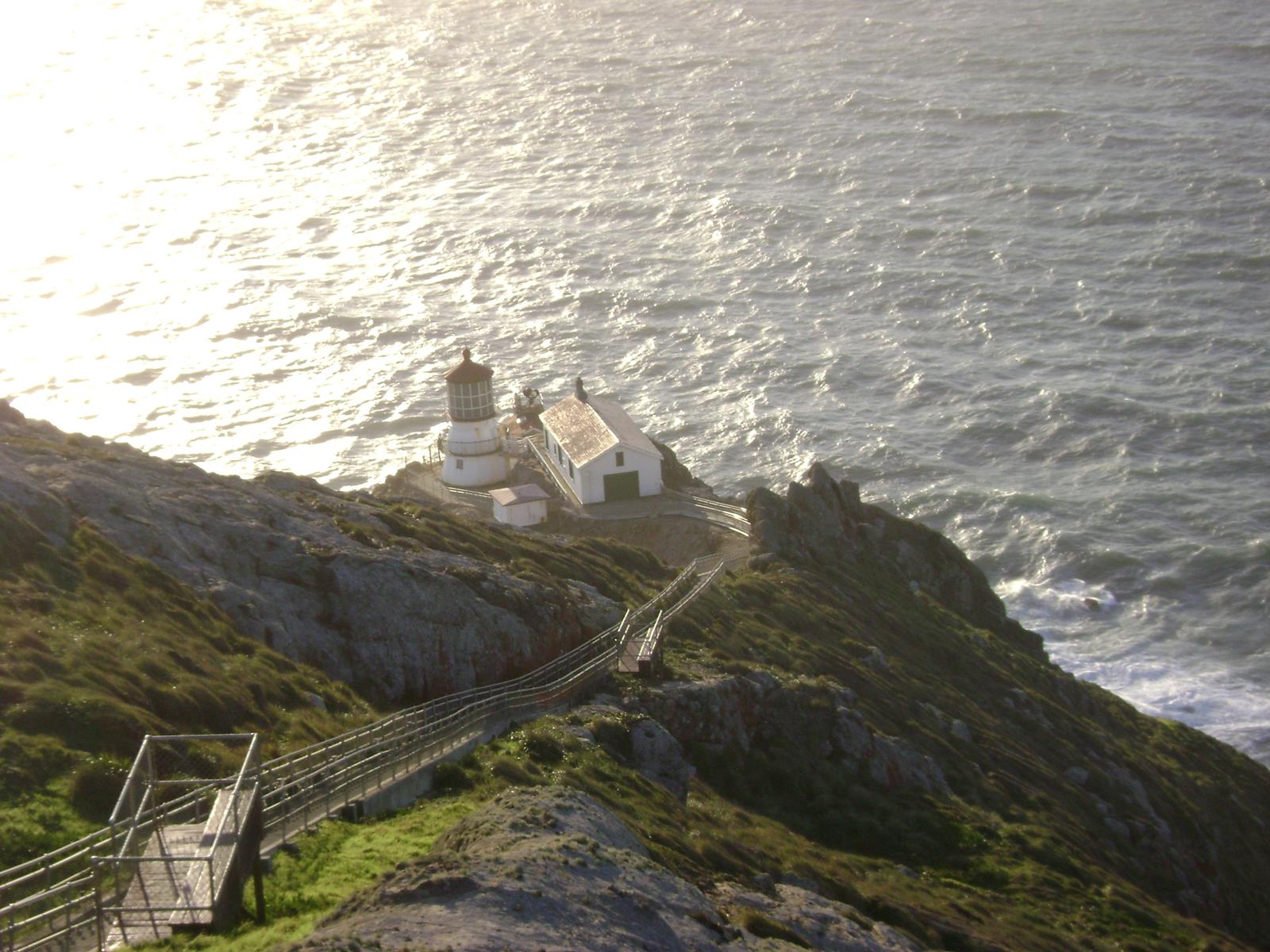
Point Reyes

point_reyes

Muir Woods (been here but can’t find a photo)

North Cascades (been here can’t find a photo)

Mt Rainier (my favorite)

mt_rainier

Olympic National Park

Glacier Bay National Park

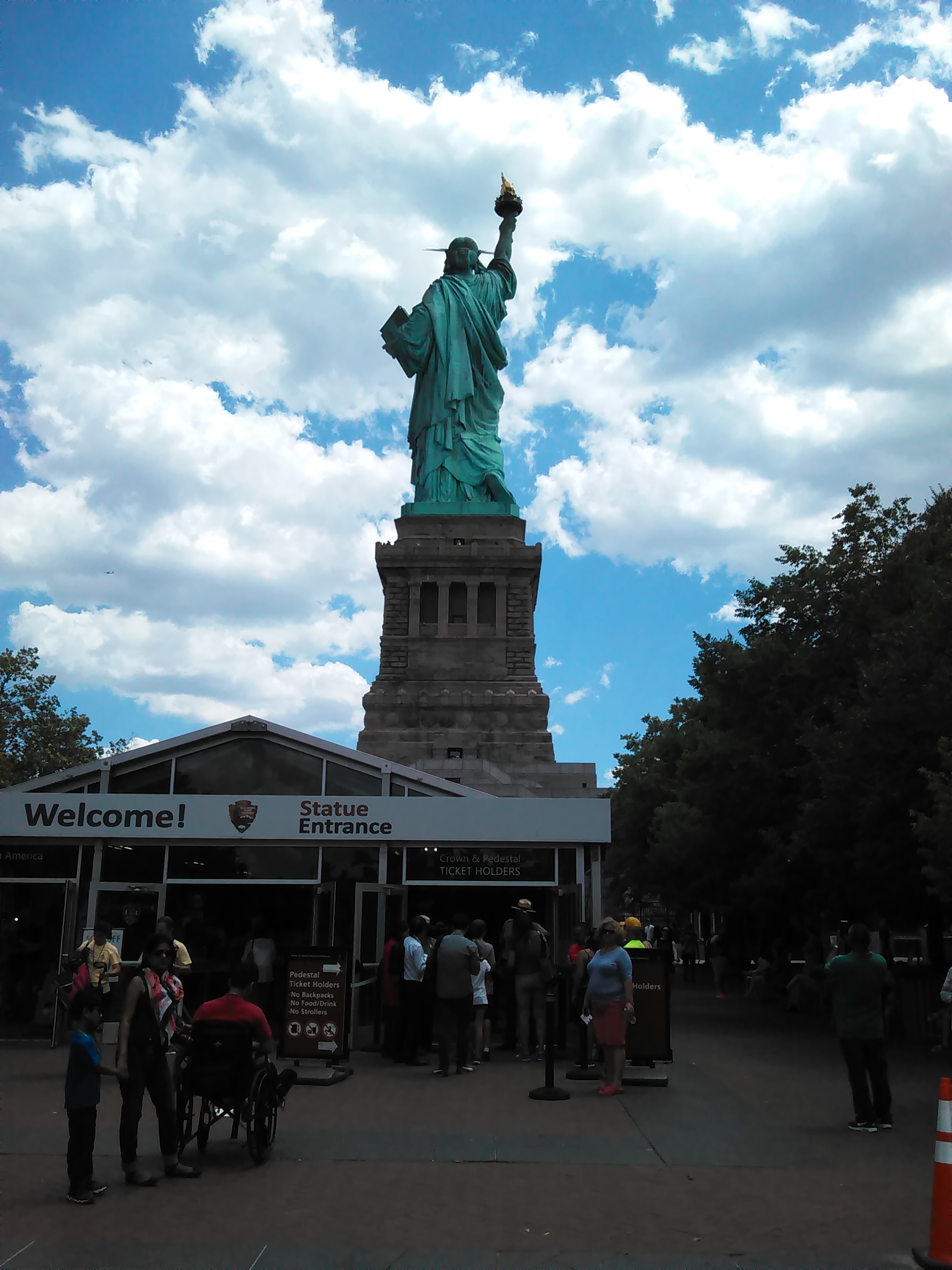
Liberty National Park

liberty_national_park

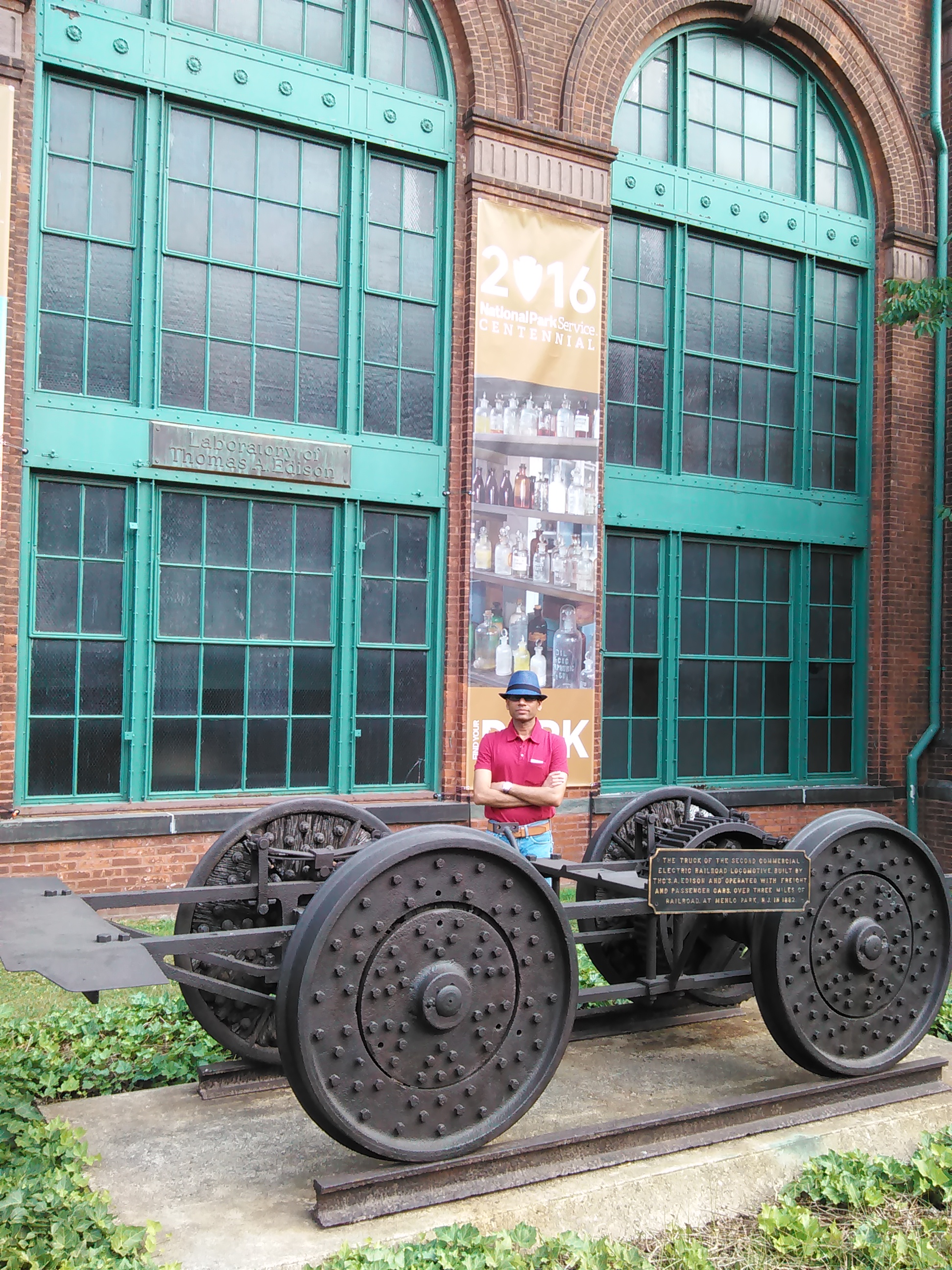
Thomas Edison National Park

edison_national_park

Paterson Great Falls National Park

paterson_great_falls

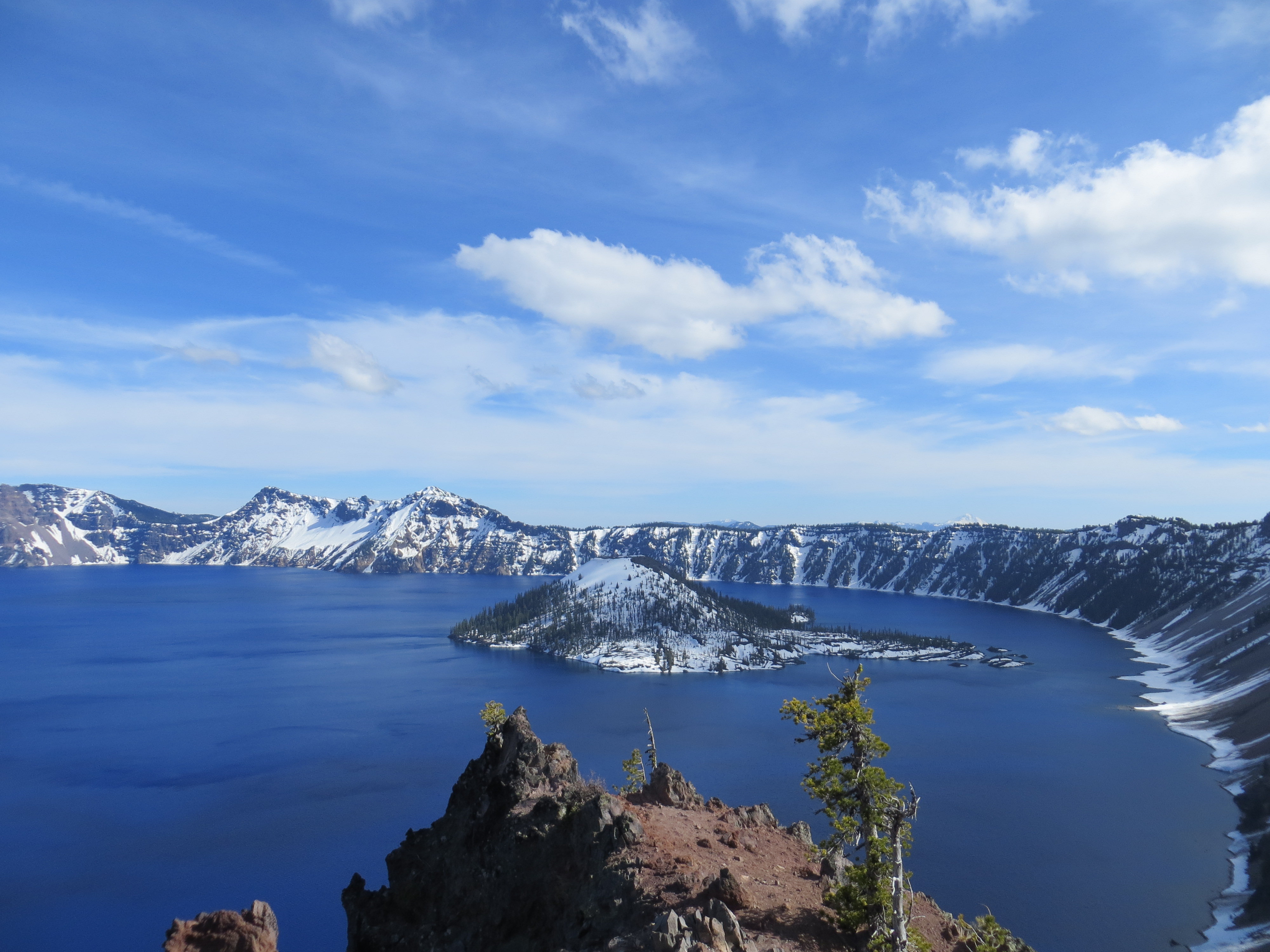
Crater Lake

crater_lake

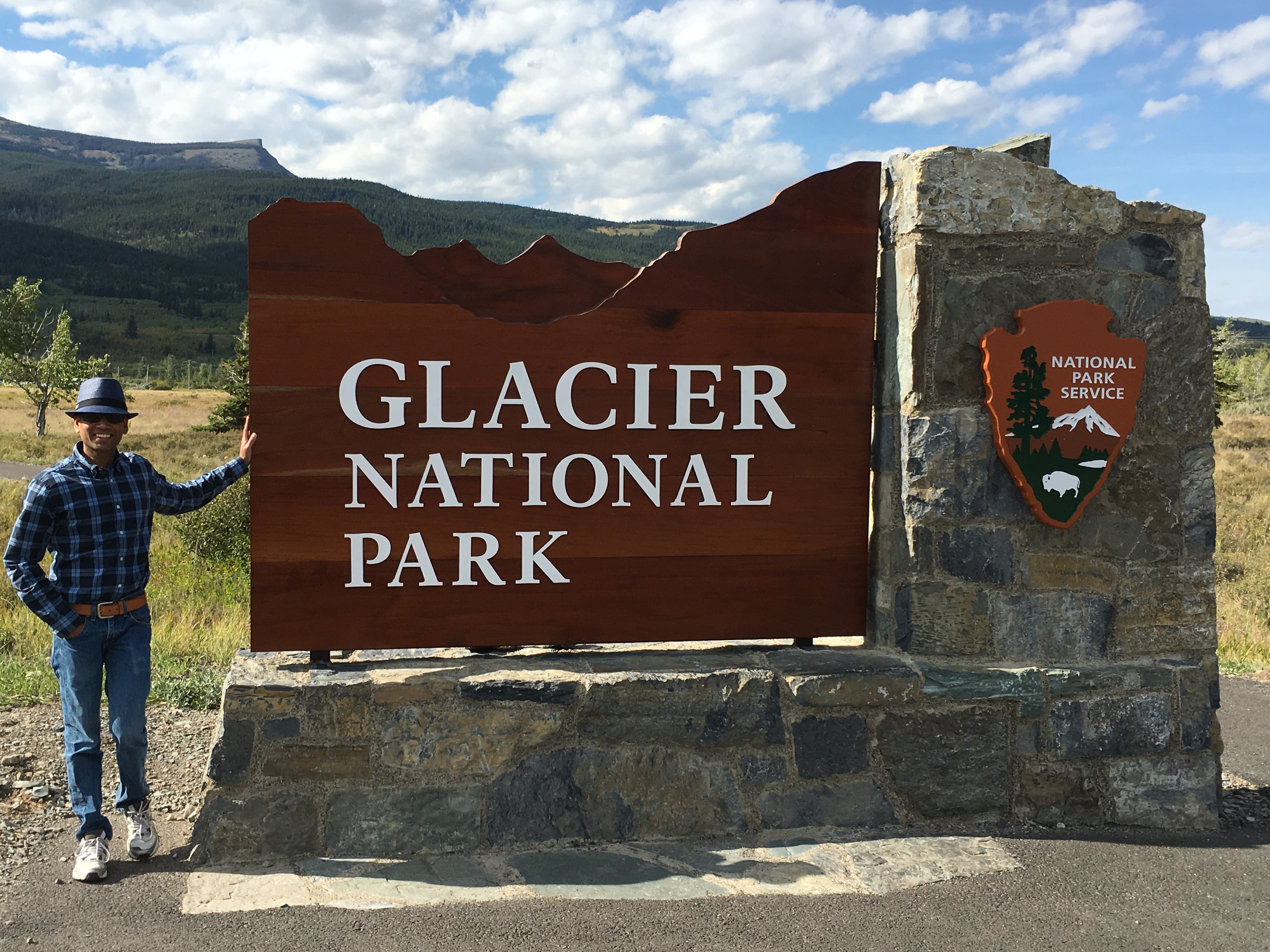
Glacier National Park

IMG_1609

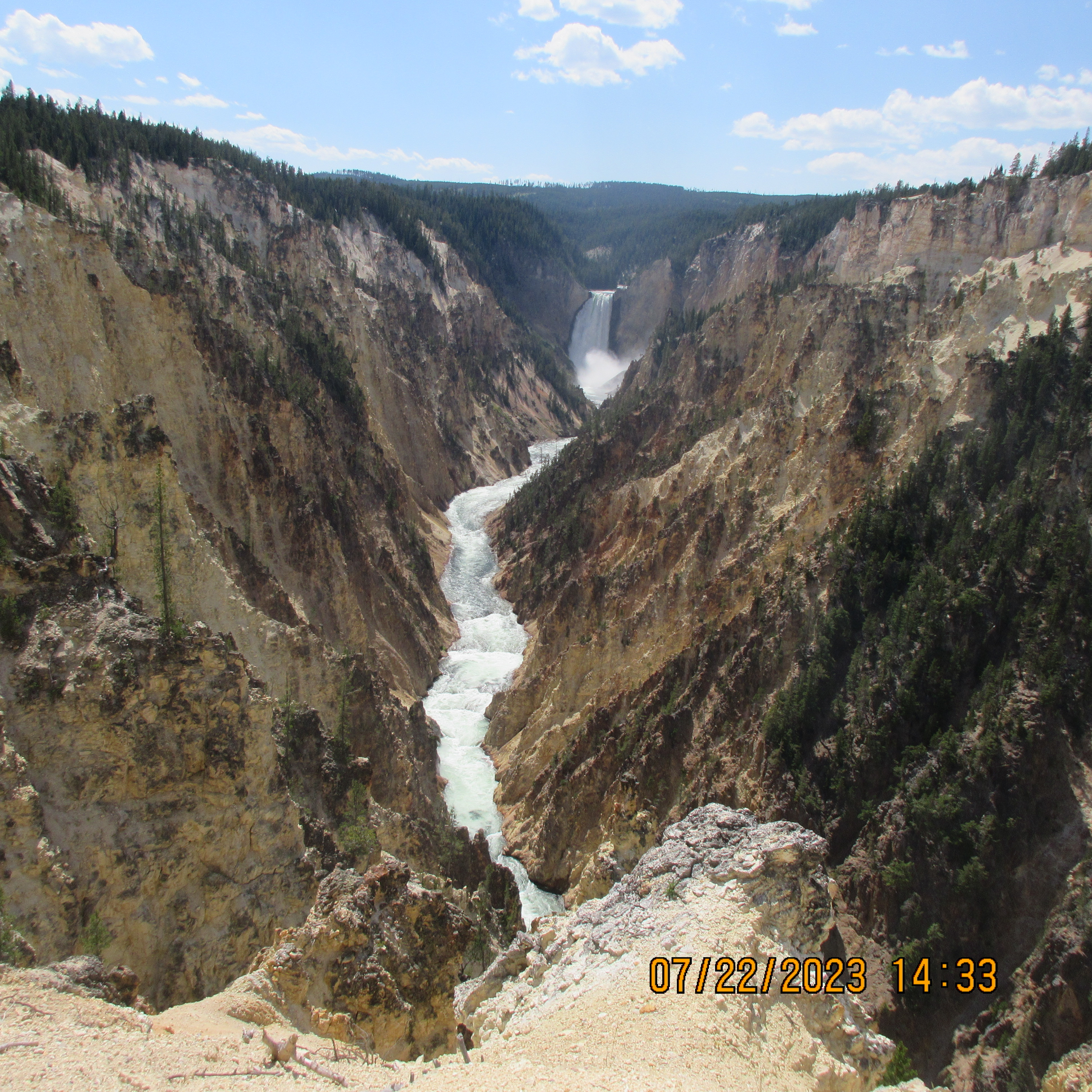
Yellowstone National Park

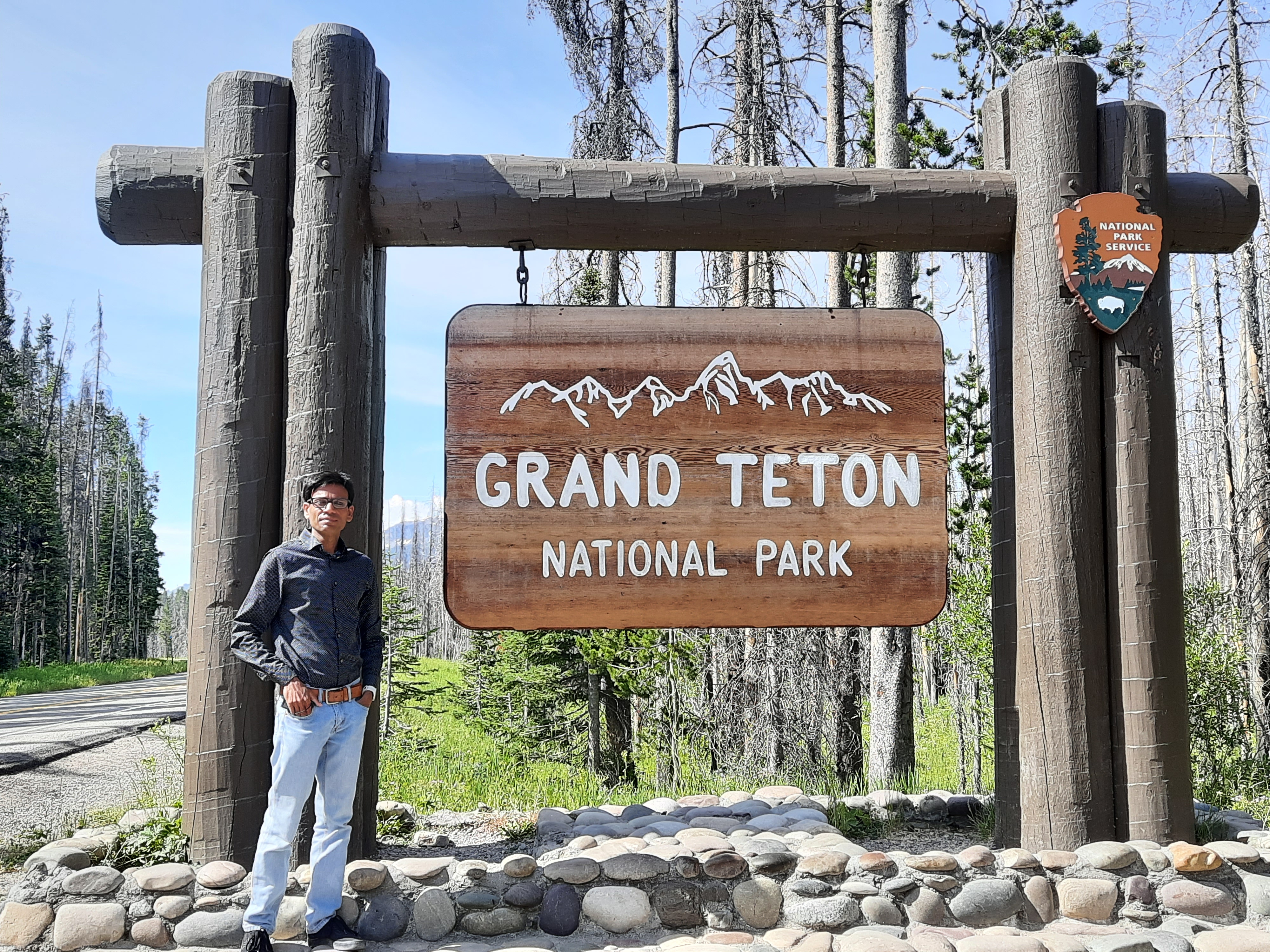
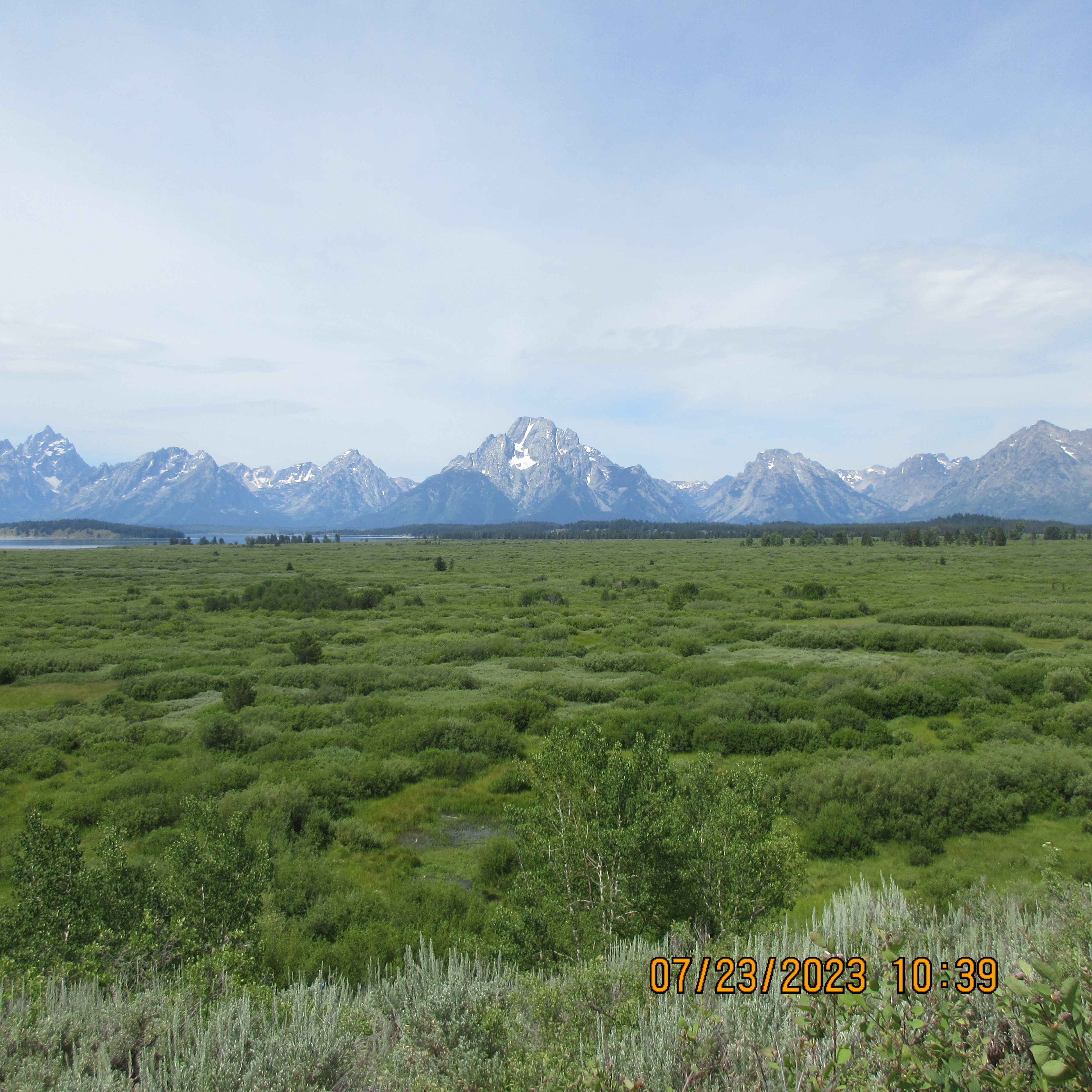
Grand Teton National Park:

Posted in Travel | Leave a comment

Glacier National Park

IMG_1609

8/26/16 Drove from Seattle to Coeur ‘d Alene. Took 5 hours. This was the first time I was in Eastern Washington. There is a big field of wind mills by the Columbia River and also a Scenic Viewpoint (recommend). Ate dinner at Bonsai (recommend) and stayed at Super 8 motel.

8/27/16 Drove from Coeur ‘d Alene to West Glacier. Took 5 hours. Did half day white water rafting with Glacier Raft Co. The river was very calm and did not have many rapids. The guide was nice but overall did not enjoy the rafting trip very much. Felt it was too long (about 4 hours). Butt got sore. Had dinner at Belton Chalet. Had a unusual fetuccine pasta that had cauliflowers in it. Would not recommend the place considering the $$$. Stayed at Motel Lake McDonald. Bathroom was very tiny but other than that accommodation was okay – in fact one advantage of staying at the motel is that the car could be parked right outside the room and it was very easy to make trips to the car to get stuff out every now and then.

8/28/16 Breakfast at Lake Mc Donald Lodge. Drove Going to the Sun road all the way to Many Glacier and did 3 hikes along the way: Trail of Cedars, Avalanche Lake and Hidden Lake Overlook. Stopped at St. Mary’s Visitor Center and saw an educational video on history of GNP. Avalanche Lake hike was reminiscent of Little Si. The lake is beautiful. Highly recommended. Difficulty Level 5.98. Hidden Lake Overlook is reminiscent of Skyline Trail in Mt rainier. Its advertised as 2.7 miles roundtrip but felt very much like 2.7 miles one way! The alpine meadows were beautiful. Highly recommended. Comparing Avalanche Lake and Hidden Lake Overlook it felt as if the journey of Hidden Lake Overlook was better whereas Avalanche Lake trumped in the destination. Had dinner at Lake Mc Donald Lodge.

8/29/16 Drove all the way from Lake McDonald Lodge to Seattle stopping at Coeur ‘d Alene for lunch at Craft (recommend). Entire drive spanning 550 miles takes about 10 hours if you account for 100-120 minutes in rest breaks.

A great and very pleasant vacation overall with first time driving to Eastern Washington.

Posted in Travel | Leave a comment

Eddy Cue And Craig Federighi Open Up About Learning From Apple’s Failures

http://www.fastcompany.com/3062596/tim-cooks-apple/eddie-cue-and-craig-federighi-open-up-about-learning-from-apples-failures

We had long discussions at the ET [executive team] level about the importance of Maps, where we thought Maps was going in the future, and could we treat it as a third-party app? I mean, we don’t do every app. We’re not trying to create a Facebook app. We think they do a great job. We always came back to the conclusion that Maps was not one of those. It’s an integral part to the whole platform. There were so many features that we wanted to build that are dependent on that technology, and we couldn’t see ourselves being in a position where that was something that we didn’t own.

It’s very, very expensive, and it doesn’t have a direct revenue stream. So when I say it’s only Google and us who are developing it, well, that’s part of the reason why. You can’t be a company going out and developing maps to make money; at least no one’s figured that out.


Posted in Software | Leave a comment

Sansa Clip Playlists

http://forums.sandisk.com/t5/Sansa-Clip-Sansa-Clip/PLAYLISTS-FOR-DUMMIES-TAMING-THE-SANSA-CLIP/td-p/108728

CREATING PLAYLISTS FOR PODCASTS, MUSIC AND AUDIOBOOKS

In the Clips’ Main menu, go into settings and scroll down til you find USB Mode.
Make sure it’s in Auto Detect.

Plug in the USB cable to your computer and find the player in Explorer (Start, My Computer, Sansa Clip).  Click “Internal Memory” to get to the Clips’ folders.  We’ll call this the Clip Explorer.  If you want to create a podcast playlist, open the Podcast folder and by selecting File, New Folder, create and name it whatever you want.  If you want your podcasts organized into two or three categories, just create more folders.  Do the same for Music and/or Audiobooks.

Leave it open and using Explorer again (Start, My Computer), find the files or folders you want to copy onto the Clip.  We’ll call this the Computer File Explorer.  It’s easier if you put your mp3 files in a folder in the Computer File Explorer first.  Then you can just copy those music, podcast or audiobook folders to the appropriate folder on the Clip (copy and paste).

What we have done thus far does not create playlists.  It merely puts all files into a big jumble on the player where they can only be accessed by tags in categories such as Artists, Albums and Genre.  In order to create a list that will play in sequence, we have to create a .pla file (a playlist from those files on the player).  Go back to the Clip Explorer, open a folder (Podcasts for example), select one of your created folders with a Right Click, and then select “Create Playlist” from the drop down menu.  At the bottom you’ll see “New Playlist.pla” flashing.  Now you just name it again whatever you want to and you’re done.  Get out of Explorer and unplug the USB cord.  Whenever you open up the Clip Explorer on your computer again, you’ll find that .pla file in the same folder.  If you want to rearrange the order of that playlist, just double click the .pla file and use the arrows at the bottom of the pop-up window.

The confusing category in the Clip Explorer is Playlists.  This is simply a place where you can drag and drop (or cut and paste) your .pla playlist files and see them all in one place in the Clip Explorer.  You don’t need to put them there.  You can just leave them in the Music, Podcast or Audiobook folders and they’ll still show up as playlists on the player, but if you have a lot of playlists, it is convenient to be able to see them all in one place.


Posted in Computers | Leave a comment