
To view your cost breakdown goto Billing and Cost Management -> Cost Explorer and under Group By select Usage Type
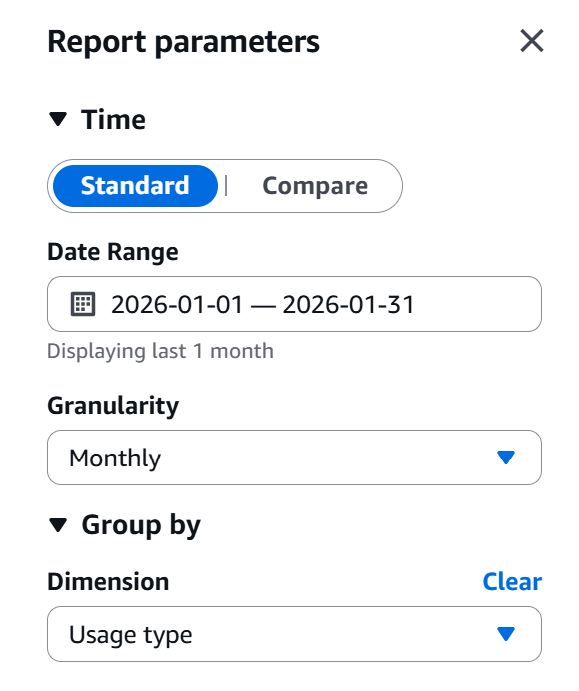
Selecting Usage Type will provide you with more granular detail e.g., it will show what exactly in EC2 - Other is taking up costs. Most of the time these are EBS volumes. https://repost.aws/knowledge-center/ebs-charge-stopped-instance
Amazon EBS snapshots are billed at a lower rate than active EBS volumes. You can minimize your Amazon EBS charges but still retain the information that’s stored in Amazon EBS for later use. To do this, create a snapshot of the volume as a backup, and then delete the active volume. Later, when you need the information from the snapshot, use the snapshot to replace the EBS volume for use with your infrastructure.
 siddharth's space