
Probably the most important tool is Windows Defender. Press Win+R followed by wf.msc
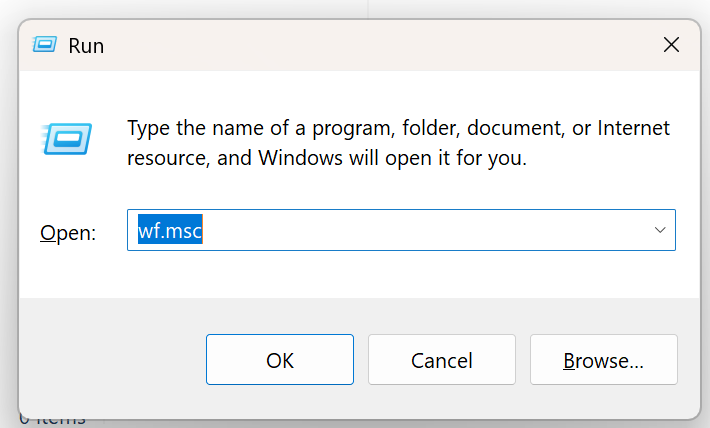
and check all the inbound rules. Delete ones you don’t recognize – it can be difficult. Useful powershell commands:
Get-NetTCPConnection -State Listen
this is equivalent of ss -tpln on Linux. To get your public IP address:
curl -s https://api64.ipify.org
Other Useful Windows Programs
- WinDirStat – see what files are taking up space
List Inbound rules
Get-NetFirewallRule -Enabled True -Direction Inbound -Action Allow |
  ForEach-Object {
    $r = $_
    $port = $r | Get-NetFirewallPortFilter
    $app  = $r | Get-NetFirewallApplicationFilter
    $addr = $r | Get-NetFirewallAddressFilter

    [PSCustomObject]@{
      Name      = $r.DisplayName
      Profile   = "$($r.Profile)"
      Program   = $app.Program
      Protocol  = $port.Protocol
      LocalPort = $port.LocalPort
      Remote    = $addr.RemoteAddress
    }
  } |
  Where-Object { $_.Profile -match "Public|Any" } |
  Sort-Object Protocol, LocalPort, Name |
  Format-Table -AutoSize
List open ports
Get-NetTCPConnection -State Listen | Sort-Object LocalPort | Select-Object LocalAddress,LocalPort,OwningProcess
Get Process Details
Get-Process -Id 10628,1428,7716,4608,4536,28912,1124,536,2588,3112,4200,4592,1072 |
  Select-Object Id,ProcessName,Path | Format-Table -AutoSize
Uninstall Recall if you still have it
You want to see this output:
dism /online /get-featureinfo /featurename:recall

Deployment Image Servicing and Management tool
Version: 10.0.26100.5074

Image Version: 10.0.26200.8037

Feature Information:

Feature Name : Recall
Display Name : Recall
Description : Recall application.
Restart Required : Possible
State : Disabled with Payload Removed

Custom Properties:

(No custom properties found)

The operation completed successfully.
Unlink your device before giving it to someone else
Goto https://account.microsoft.com/devices/ and make sure to unlink / remove your device before giving it to someone else
Uninstall OneDrive Desktop App if you want
I like OneDrive but if you are worried about accidental deletion of files on OneDrive caused due to deletion of files on your local PC, you can uninstall the OneDrive Desktop App.
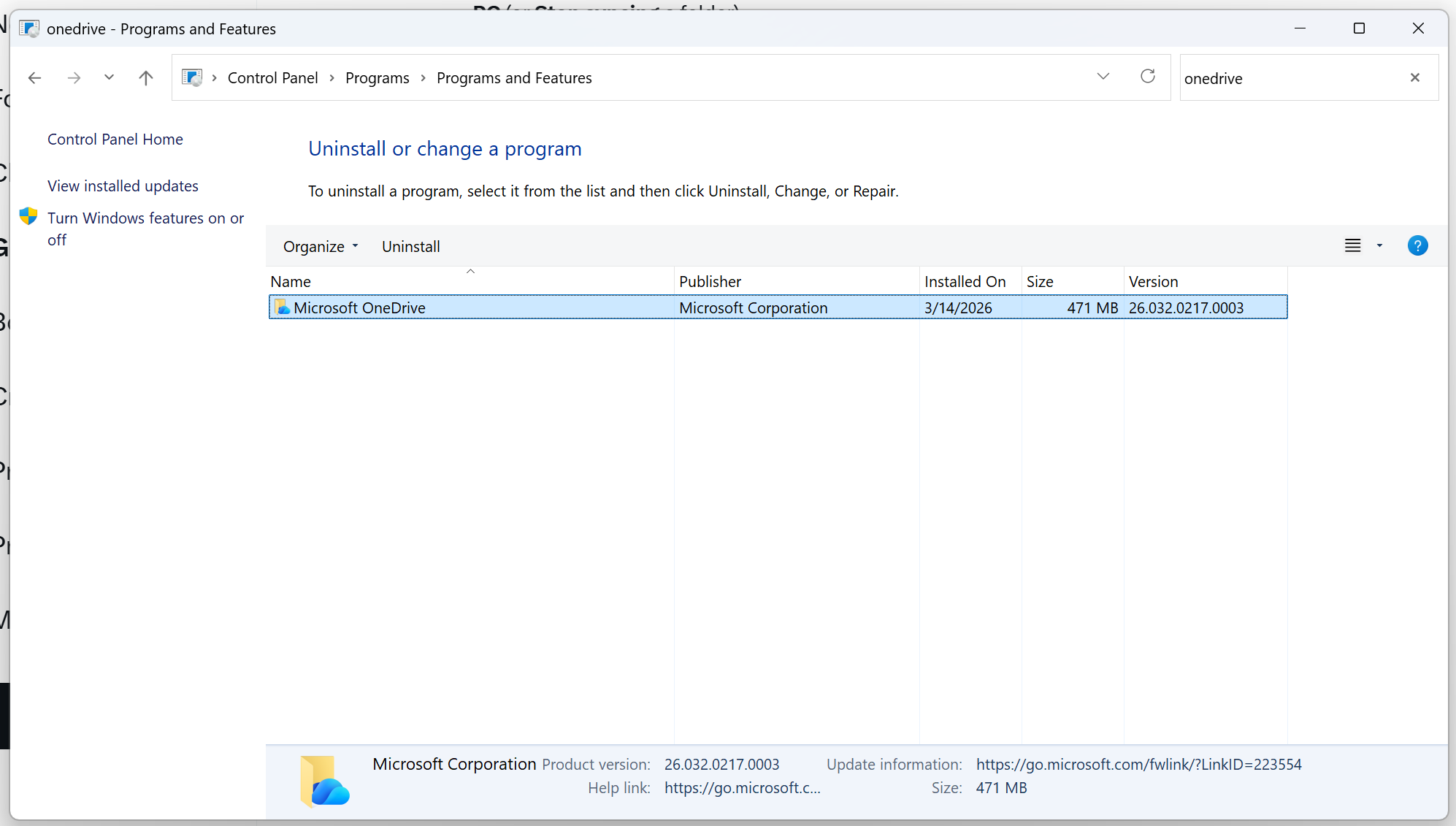
Any deleted files on OneDrive are available in the Recycle Bin for 30 days. That rescues and remediates most accidental deletions.
 siddharth's space