
UPDATE: It turns out none of this works. I ran into the same error with latest VS Code and ms-python extension. The fix was to stick a breakpoint before the input command to prevent VS Code from taking conda activate base as input; essentially we need to pause and give it some time.
Got this error trying to debug Python script from VS Code (the script runs fine when executed outside of VS Code e.g., on a Bash terminal):

After some Googling, the first thing to check is if you have console set to integratedTerminal in launch.json. That was the case in my case so that didn’t really help.
The Python input function is supposed to prompt the user for input. But I didn’t get any prompt from VS Code asking me for input. Just that error:
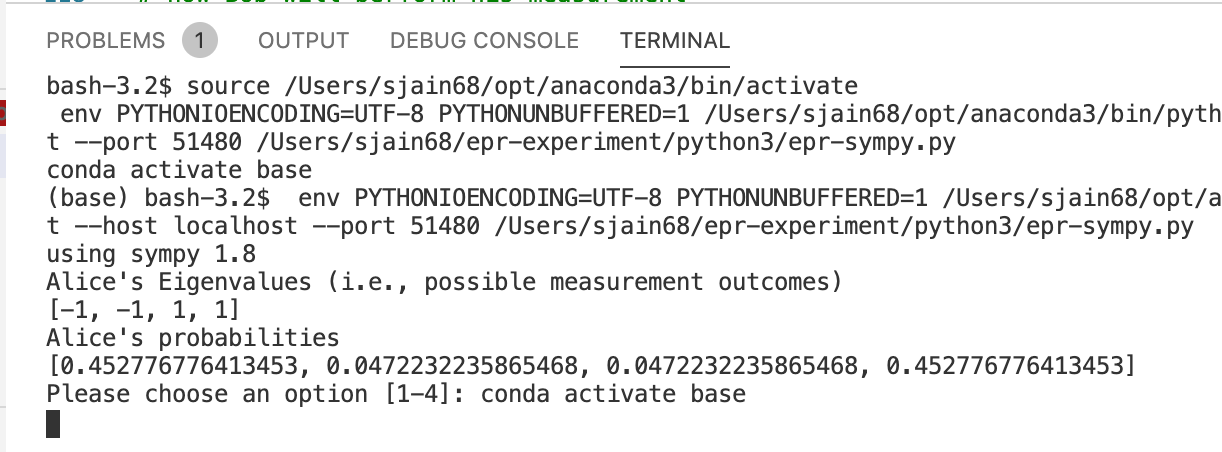
I did more search and then noticed I was using older version of ms-python extension. I had
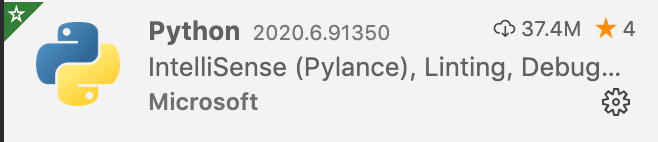
which is an older version. So maybe upgrading to latest would fix. The problem is VS Code would not display newer version! Clicking on the gear icon above pops up this menu where you see an option to Install Another Version…
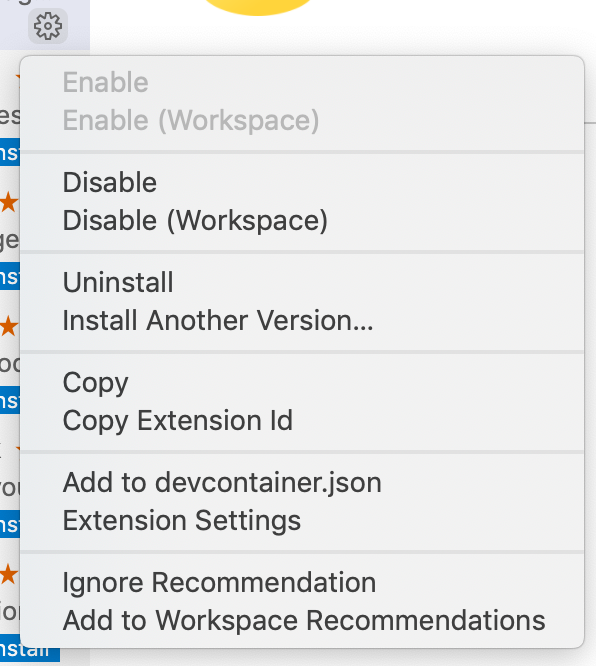
But clicking on it didn’t do anything. It gave me a 404 error notification.
So I then downloaded the .vsix file of latest version from https://github.com/microsoft/vscode-python/releases. VS Code has a Install from VSIX… option. See below for tip on where to find it:
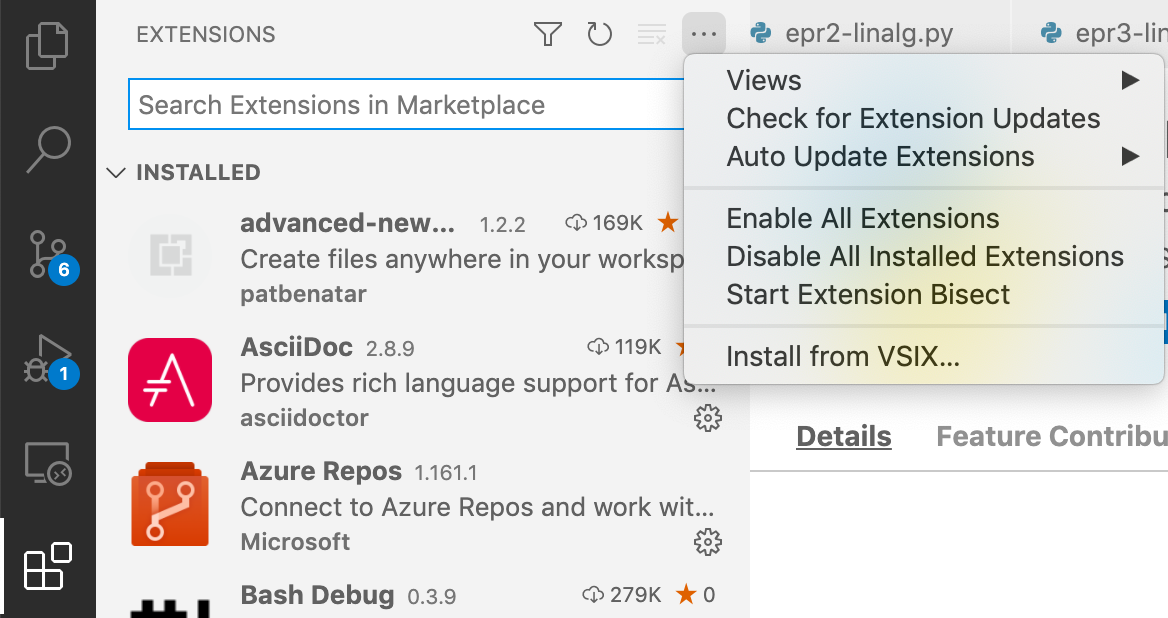
I tried installing using that option which gave me an error saying the version was incompatible with the version of VS Code I had.
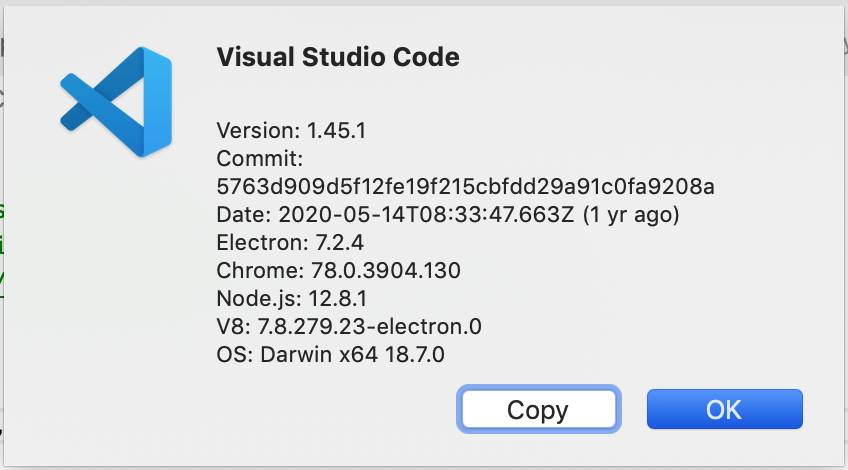
So the next step was to upgrade VS Code itself. To do this download the latest installer – comes as a zip file named VSCode-Darwin-Universal.zip. Unzip it and simply move the unzipped file to the Applications folder in Finder on Mac. You will get a prompt whether to keep both versions or replace. I choose to replace the older version with new one. You will also get some prompts asking for authentication since only administrator can make changes to Applications folder.
Now you can Install from VSIX… but before you do that, uninstall the old ms-python extension. Clicking on uninstall and reloading VS Code didn’t really uninstall it. I could still see the extension under ~/.vscode/extensions/. A useful directory to remember. I ran a rm -r command to forcefully remove it from the system:
$ rm -r ~/.vscode/extensions/ms-python.python-2020.6.91350
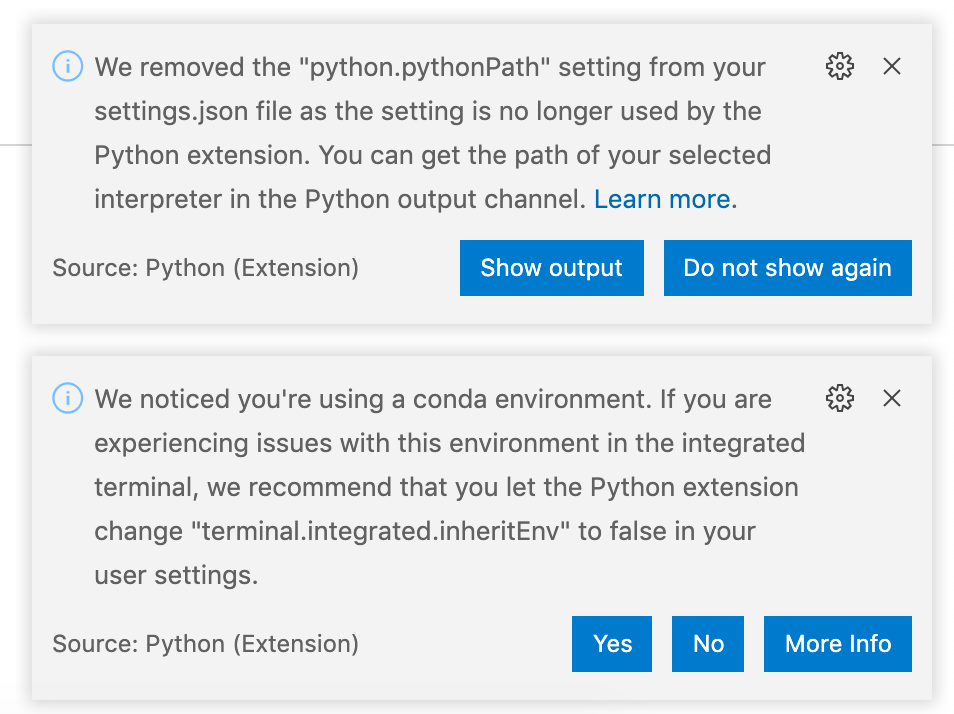
Then I installed from VSIX… and the May 2021 version of ms-python got installed. The original error also went away. Some notices I got. Documenting for reference later on:
 siddharth's space