
The chown command allows one to change the owner of a file. If you can’t run the command due to insufficient privileges, another way to change the owner is through Finder – this also requires elevated privileges. Here are the steps on how to do it from Finder:
Step 1: Open Finder and from the Menu click on Go -> Go to Folder…
Step 2: Select the file then from the Menu click on File -> Get Info
Step 3: Click on the lock icon at bottom right to unlock. This step requires elevated privileges. Screenshot below:
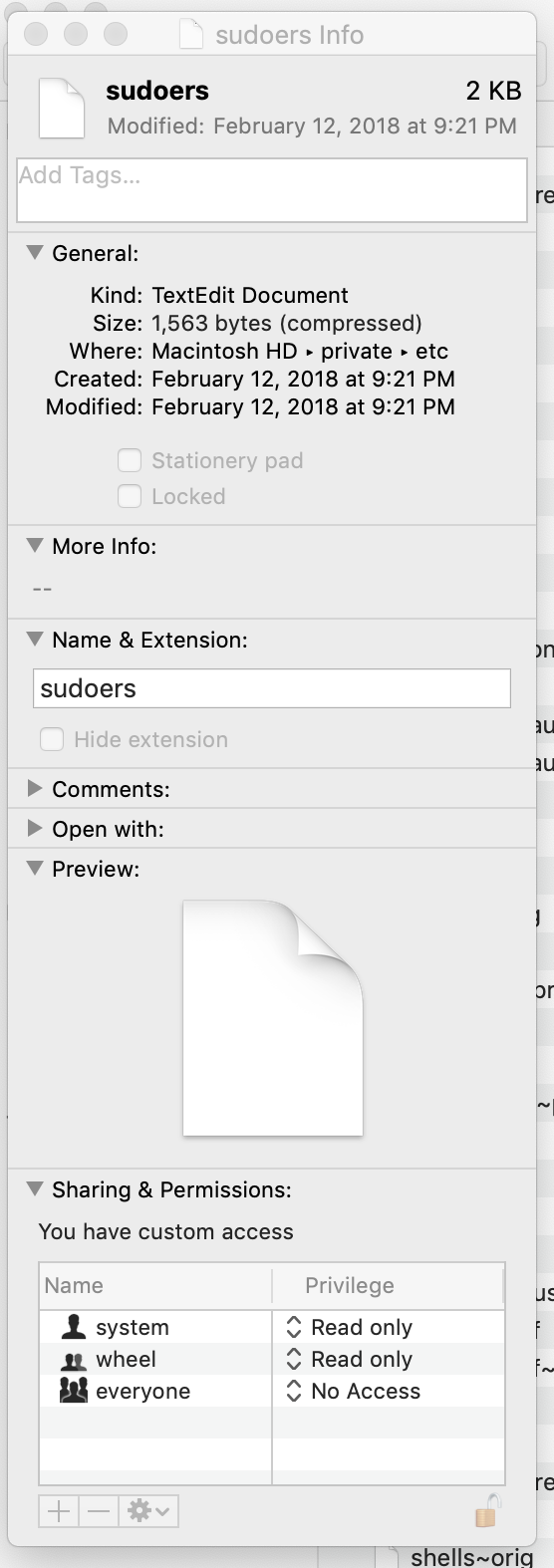
Now you can edit ownership and permissions. Adding this line to the sudoers file will give you same privileges as root on your machine:
<your-user-name> ALL = (ALL) ALL
 siddharth's space