
fabric-ca-server (v. 1.4.5) can be started without giving it any config or its own self-identity (public cert and private key)
from an empty directory

run below command. in below bob is the bootstrap user and bobpw is his password. we need a user to bootstrap the CA. this user automatically becomes an admin user.
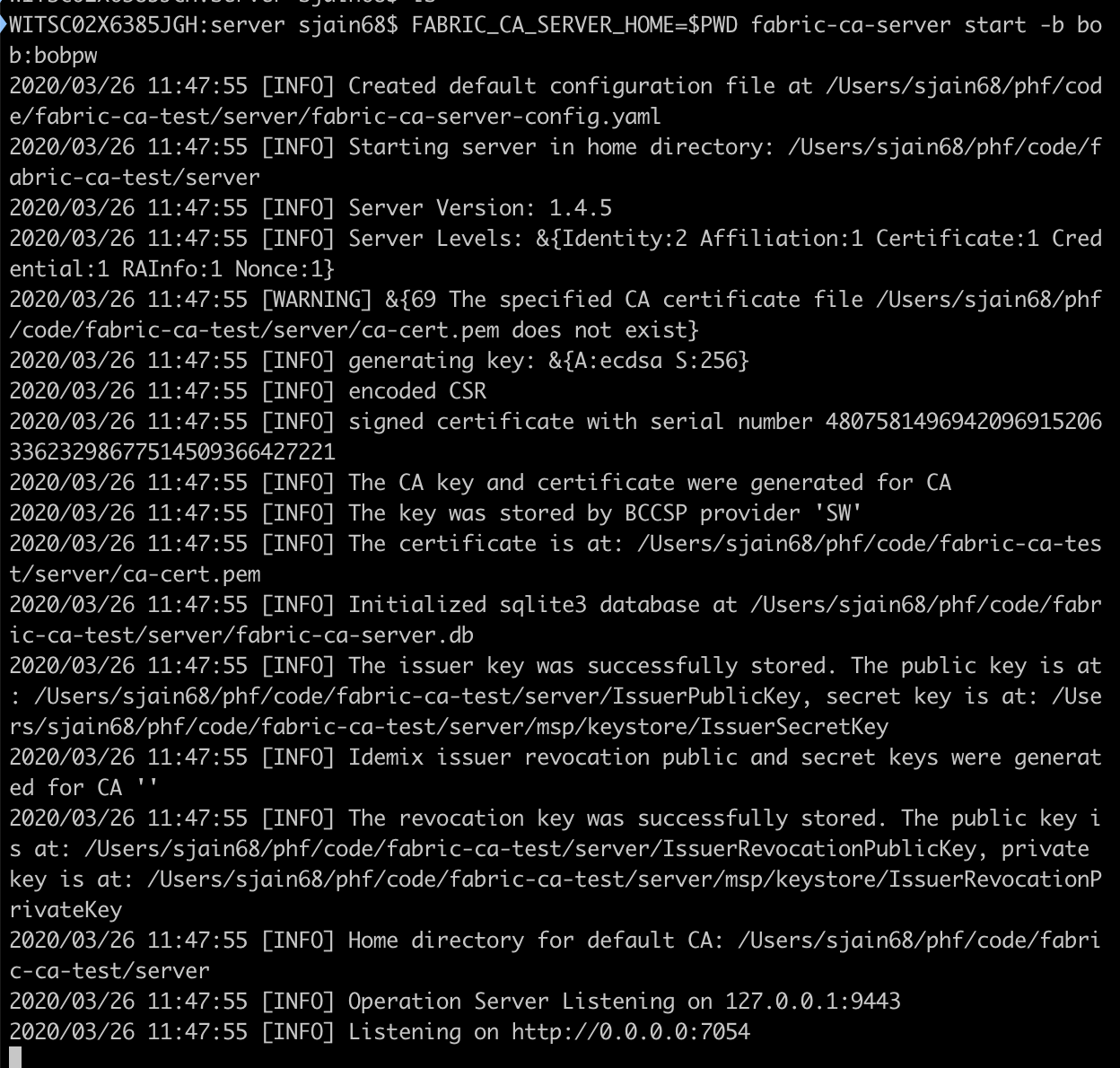
it will automatically generate config file and identity for itself
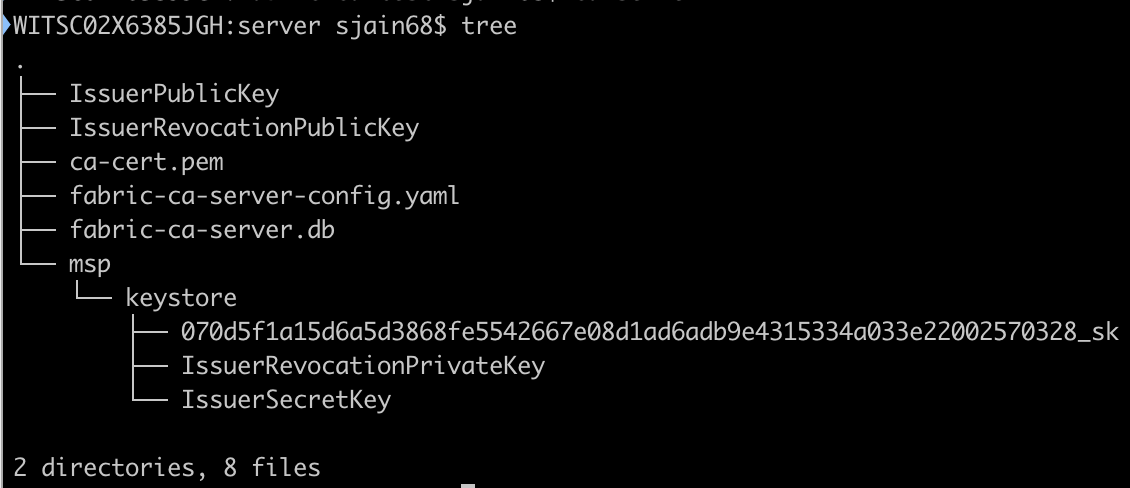
if you open this config observe following section in it that stores bob and bobpw
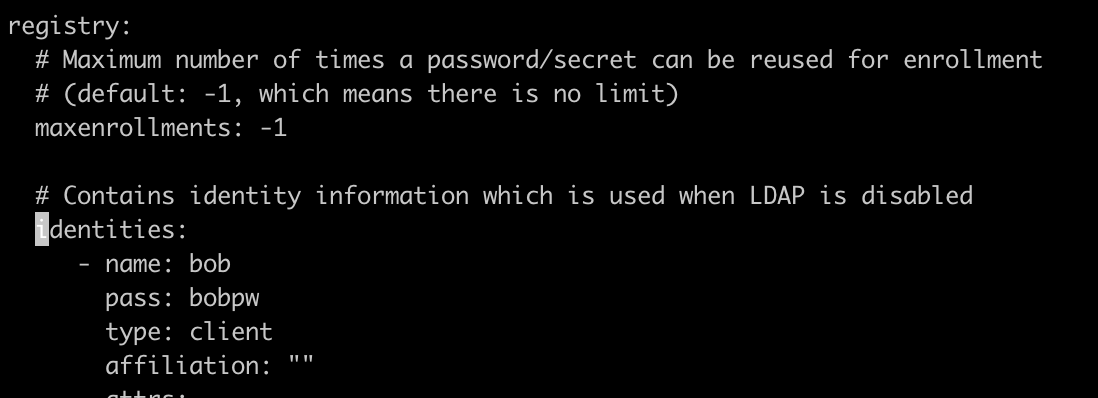
if you start the CA and give it a config file, it will ignore the -b switch and use the identities section for bootstrap user and password. try it.
enroll the bootstrap user. from the client directory which is also empty

run
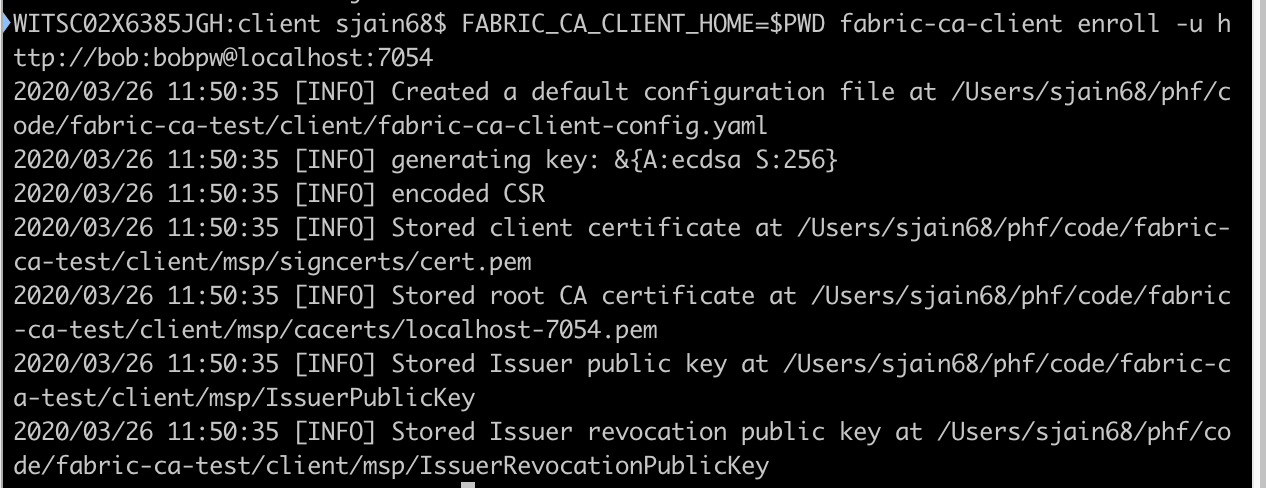
note that it is the client who is generating the private key (and also the CSR) not the server and the client never sends the private key to the server. now have several files in client directory
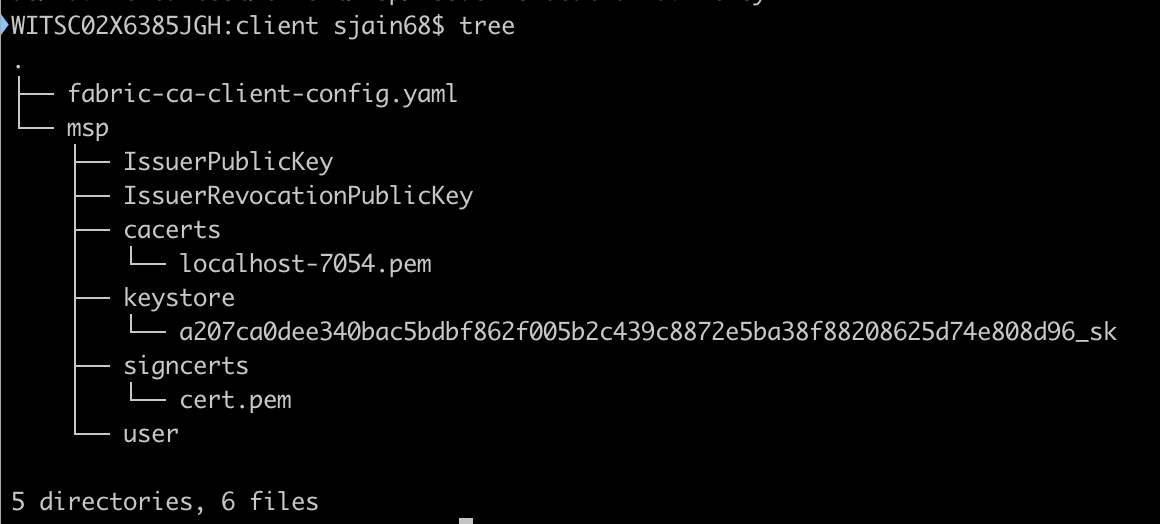
server logs show

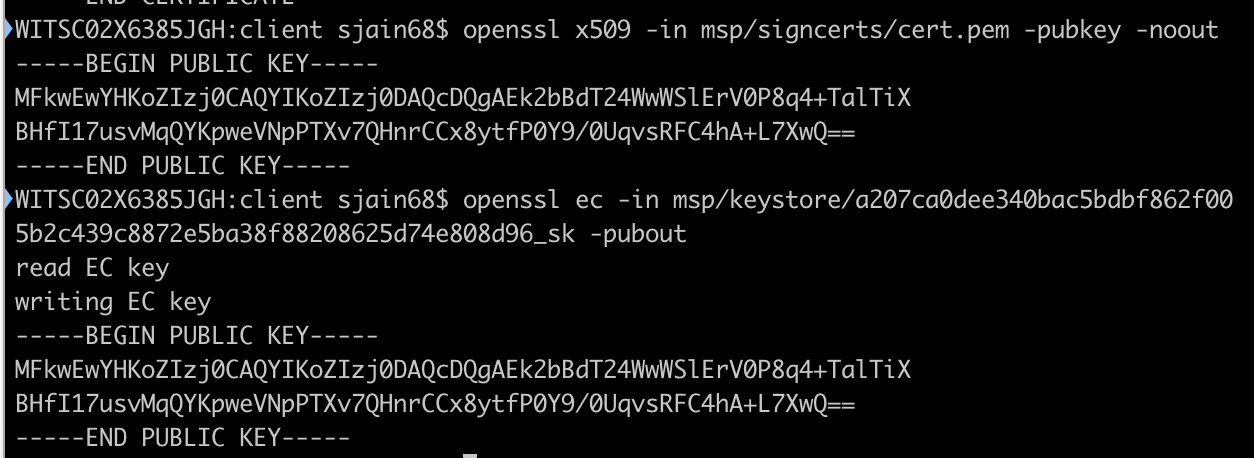
to test if a given public private key-pair match use
lets look inside the sqlite3 db on the server
log in to the sqlite3 db

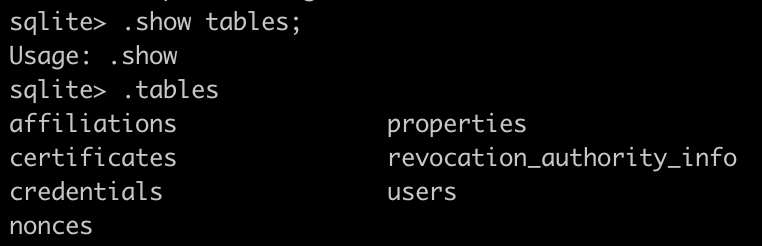
list tables
list users

the second entry is bob’s hashed password.
list certificates
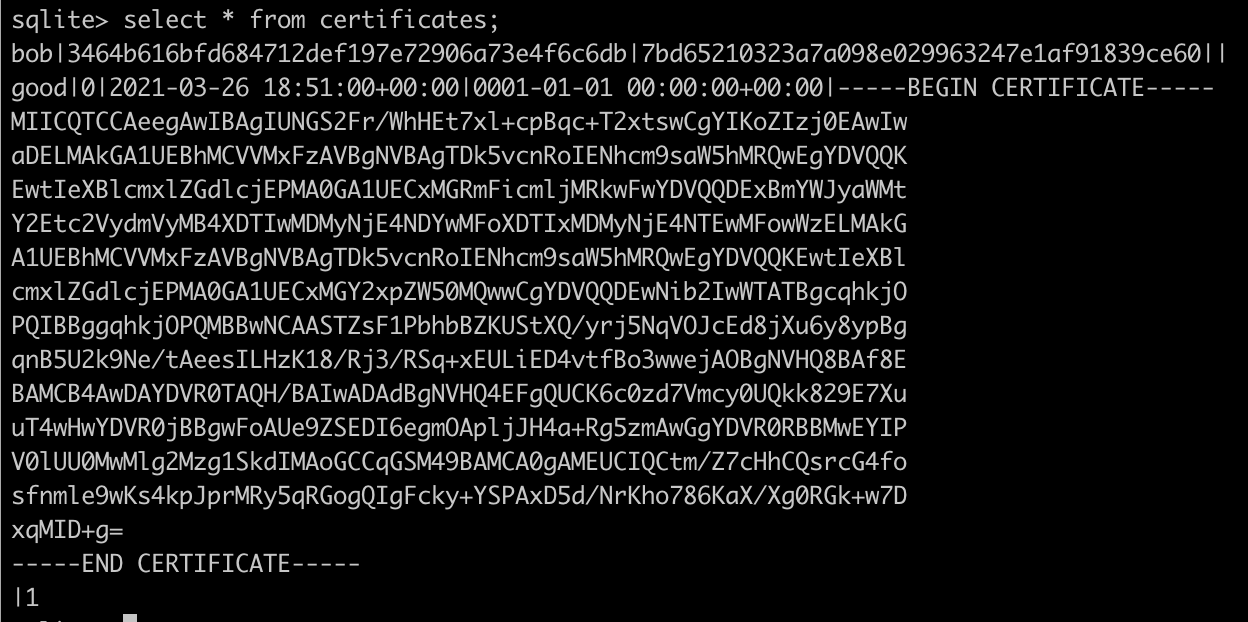
the server has a copy of the public cert but it does not have bob’s private key.
credentials table is empty

to see the schema of a table (note no semi-colon at end of command)
-

- image 25
-

- image 26
to log out of sqlite3 use Ctrl+D

PS: My book on Programming Hyperledger Fabric
 siddharth's space