
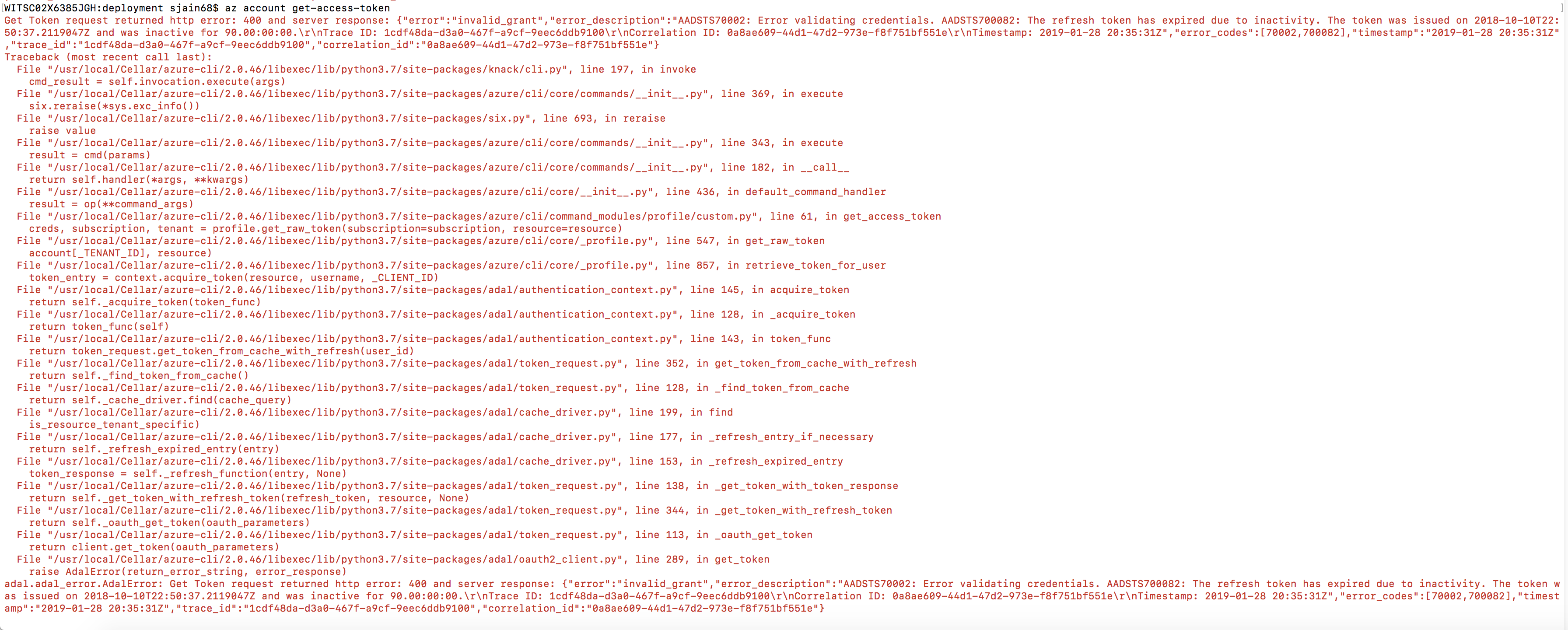
Sometimes you will get this error when trying to run az CLI. My first attempt to fix it was to refresh the token using az account get-access-token but when I ran it, it gave this:
Get Token request returned http error: 400 and server response: {“error”:”invalid_grant”,”error_description”:”AADSTS70002: Error validating credentials. AADSTS700082: The refresh token has expired due to inactivity. The token was issued on 2018-10-10T22:50:37.2119047Z and was inactive for 90.00:00:00.\r\nTrace ID: 2d6dfd99-0307-4f8d-a5d7-f259b6f51000\r\nCorrelation ID: 6876283d-f5a2-4dfc-9549-882b750f60bb\r\nTimestamp: 2019-01-28 21:00:43Z”,”error_codes”:[70002,700082],”timestamp”:”2019-01-28 21:00:43Z”,”trace_id”:”2d6dfd99-0307-4f8d-a5d7-f259b6f51000″,”correlation_id”:”6876283d-f5a2-4dfc-9549-882b750f60bb”}
The solution is to run az login to refresh the token.
 siddharth's space