
If you want to run it inside a docker container:
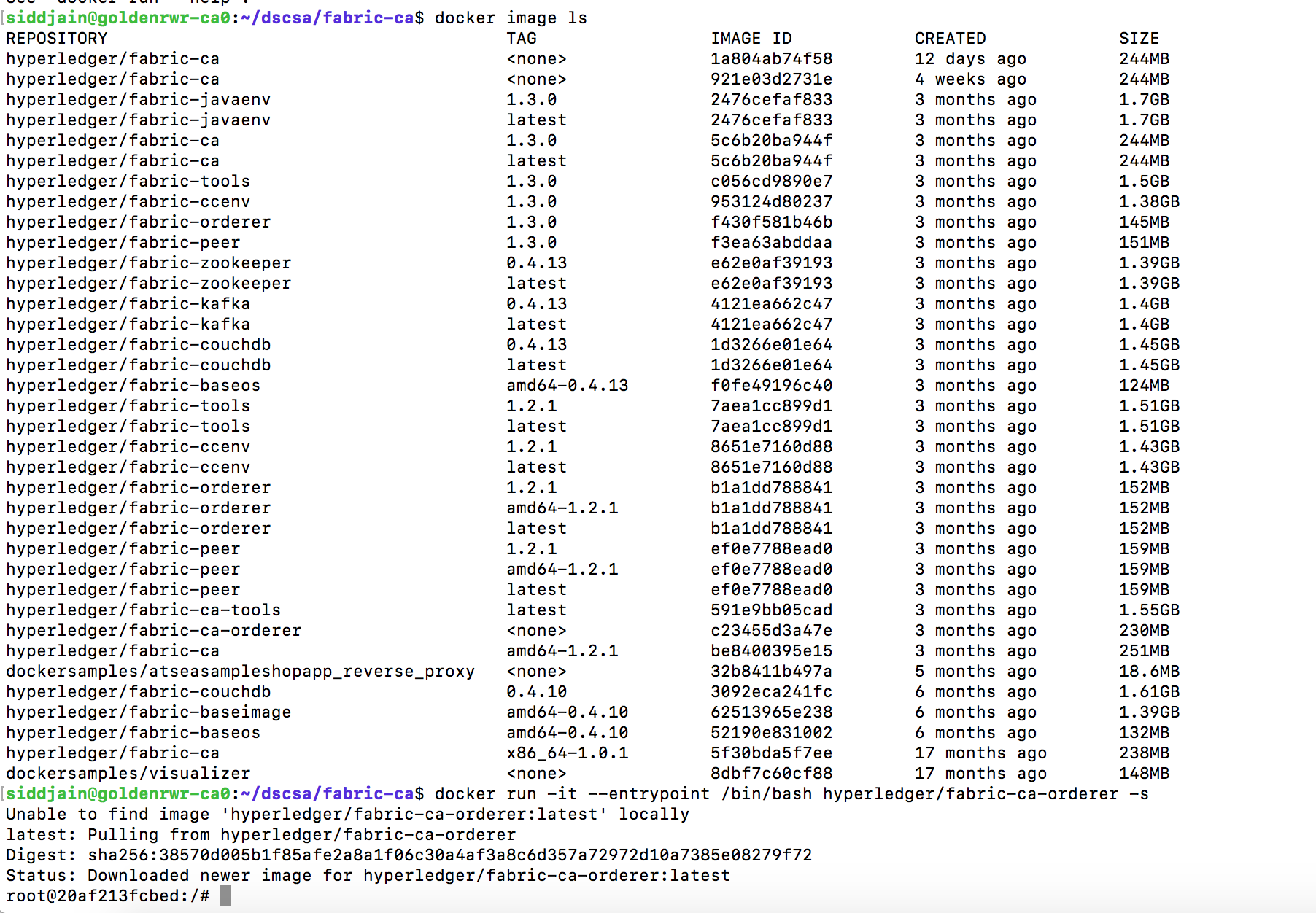
If you want to run a custom build of the orderer, make sure you set the FABRIC_CFG_PATH and have an orderer.yaml inside FABRIC_CFG_PATH. The docker container will have it setup automatically for you. Copy the orderer.yaml from container to local machine using docker cp.
Install fabric from github under your $GOPATH/src/github.com/hyperledger
To build orderer simply run go build from the orderer folder. The orderer will require a few variables to be set before you can run it like CHANNEL_TX_FILE=./channel.tx GENESIS_BLOCK_FILE=./genesis.block ORDERER_GENERAL_GENESISFILE=./genesis.block ORDERER_GENERAL_LOCALMSPID=ordMSP ORDERER_GENERAL_LOCALMSPDIR=./msp.
One handy command is docker inspect <image-name>. If we run it on fabric-ca-orderer, among other things it shows
“Env”: [
“PATH=/usr/local/sbin:/usr/local/bin:/usr/sbin:/usr/bin:/sbin:/bin”,
“FABRIC_CFG_PATH=/etc/hyperledger/fabric”
],
“Cmd”: [
“orderer”
],
Cmd contains the command the container will execute on starting. There is another field called Entrypoint which does the same thing. When both an ENTRYPOINT and CMD are specified, the CMD string(s) will be appended to the ENTRYPOINT in order to generate the container’s command string. More details at https://www.ctl.io/developers/blog/post/dockerfile-entrypoint-vs-cmd/
 siddharth's space