Remove annoying tslint errors/warnings in vs code

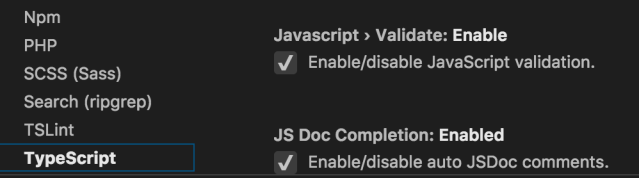
Goto Code -> Preferences -> Settings -> TSLint and uncheck Enable

Screen Shot 2018-11-30 at 10.35.46 AM

for bonus also uncheck Javascript > Validate: Enable

Screen Shot 2018-11-30 at 10.33.21 AM

This entry was posted in Software. Bookmark the permalink.

Leave a comment