
How to debug typescript app in VS Code?
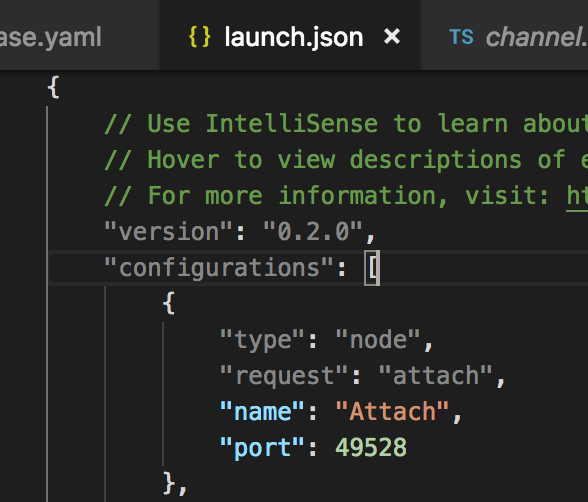
- In VS Code goto Debug -> Add Configuration… and add following configuration to launch.json
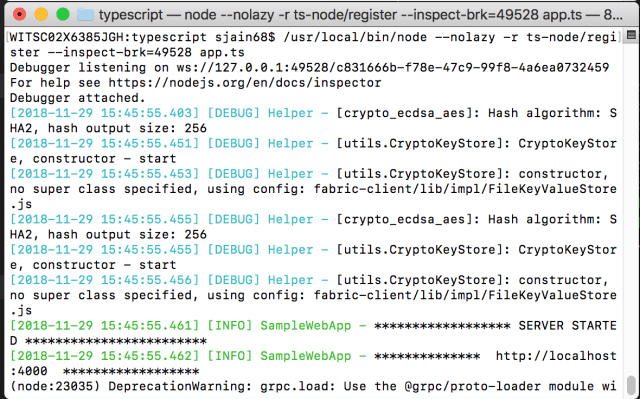
2. cd to the directory where app.ts is located and from there run
$ /usr/local/bin/node --nolazy -r ts-node/register --inspect-brk=49528 app.ts
It should display a message
Debugger listening on ...
3. In VS Code go to View -> Debug and click on green button to launch Attach
4. The terminal should now display a message saying
Debugger Attached.
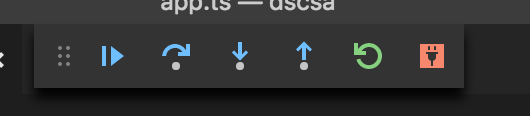
5. The debugger is attached now but the execution is paused. In VS Code click on the button to continue the execution (or press F5)
6. That’s it you should be able to debug now
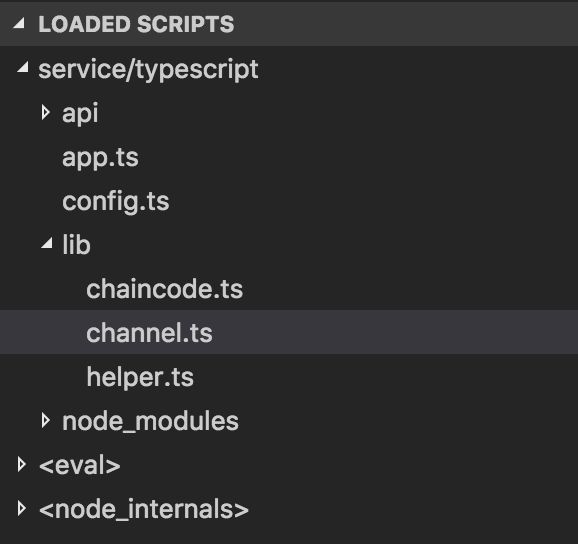
Make sure the loaded scripts window shows your code.
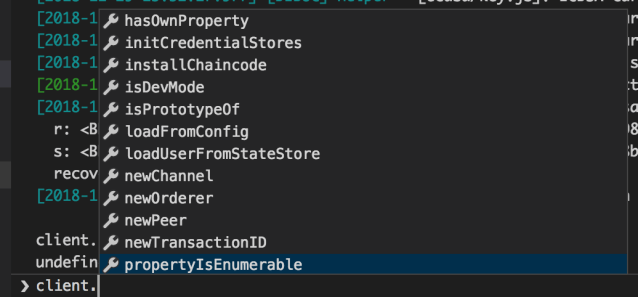
In debug console you should be able to debug variables
 siddharth's space